SVG to STL, With Clean Vector Edges
Extrude SVG paths into a printable STL for signs, logos, keychains and cookie cutters. Free, private and sized in millimetres.
How to prepare an SVG for extrusion
In Inkscape, Illustrator, Affinity Designer or Figma, do three things before exporting:
- Convert text to paths (Inkscape: Path > Object to Path; Illustrator: Create Outlines). Otherwise the font may be missing.
- Convert strokes to filled outlines (Inkscape: Path > Stroke to Path; Illustrator: Outline Stroke). A 1 pt stroke has no area until it is converted.
- Remove embedded bitmaps, clipping masks you do not need and hidden layers.
Keep shapes as solid fills on a transparent background. Overlapping shapes are fine; they merge into one solid when extruded.
Settings for signs, keychains and stencils
- House sign: 200 to 300 mm wide, 3 mm base, 3 mm raised letters. Print flat, change filament above the base for contrast.
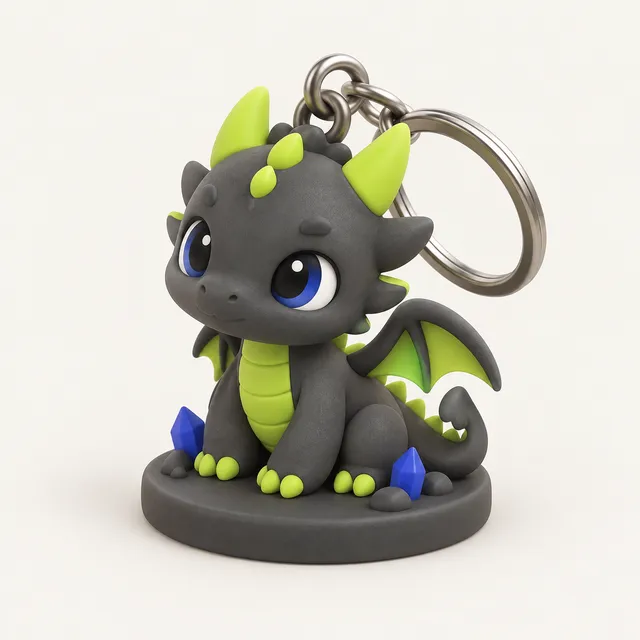
- Keychain: 40 to 60 mm wide, 2 mm base, 1.5 mm raised logo, with the tag option for a ring hole. Keep the hole wall at least 2 mm thick.
- Stencil: extrude the negative space only, 1.2 to 2 mm thick, and make sure islands such as the middle of an O are connected by bridges in the design.
- Fridge magnet: 50 mm wide, 3 mm thick, with a pocket you add in the slicer or CAD for a 10 × 2 mm magnet.
Check that the thinnest feature is at least 0.8 mm at your final width.
Cookie cutters from SVG
A cookie cutter needs a thin cutting edge, not a filled shape. In your vector editor, take the outline, give it a stroke of about 1 mm and convert the stroke to a path; that becomes the blade. Add a second, wider stroke of 4 mm for a short flange at the top so the cutter is comfortable to press.
Extrude the blade to 12 to 15 mm. Print with the flange on the bed, using PLA or PETG. For food contact, use a food-safe filament, avoid gaps between layers by printing slightly hotter, and treat cutters as single-season items, since bacteria collect in layer lines. Cutting edges thinner than 0.8 mm tend to break.
Common SVG problems and fixes
- Nothing appears: the SVG contains only strokes or an embedded PNG. Convert strokes to paths, or use the PNG with the threshold tool instead.
- Letters filled in: the inner and outer paths have the same direction and fill rule. Combine them into one compound path in your editor.
- Wrong size: SVG width units vary between programs. Always set the final width in millimetres in the converter rather than relying on the file's document size.
- Very slow export: thousands of tiny nodes from auto-tracing. Simplify the path first.
Frequently asked questions
Why is SVG better than PNG for 3D printing?
SVG stores shapes as mathematical paths, so edges stay smooth at any print size and there is no threshold or pixel stair-stepping. PNG is pixels and needs tracing. If you have both, use the SVG for logos and text.
Can I extrude different parts to different heights?
The converter extrudes all paths to one height on an optional base. For multi-level designs, export separate SVGs for each level, convert them at the same width, and combine them in your slicer, or export 3MF from the converter for multi-part handling.
Does the SVG get uploaded?
No. The SVG is parsed and extruded in your browser, and the STL is created on your device. No account is needed.
Can I convert an STL back to SVG?
Not with this tool. It turns 2D vectors into 3D shapes. To get a 2D outline from a 3D model, a CAD program can project or section the model and export the outline.