2D to 3D: turn a 2D image into a 3D model
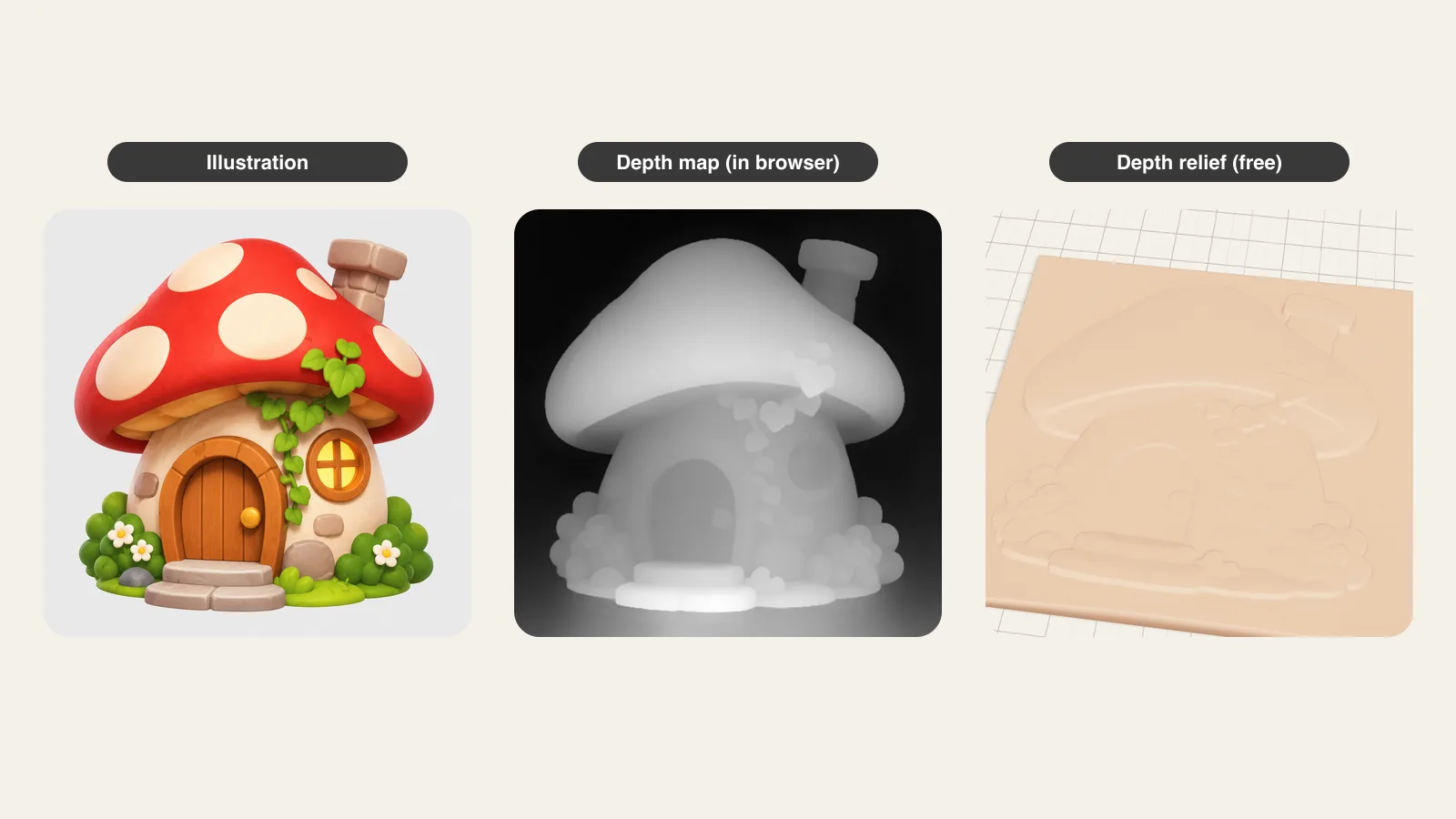
One picture, three results. The AI builds a real 3D object with a back and sides; the relief/extrude mode turns the picture into raised layers on your device; the depth map mode lets an AI model in your browser guess what is near and far. Compare them on the same picture.
2D to 3D three ways: an AI full 3D model with back and sides (1 free a day), a relief/extrusion that is free and works offline, or a depth map from Depth Anything V2 running in your browser (free, never uploaded). STL and 3MF from every mode.
Pick one 2D picture (illustration, logo, drawing or photo) and try it three ways.
Next model $4.99, no account needed. Failed runs refund automatically.
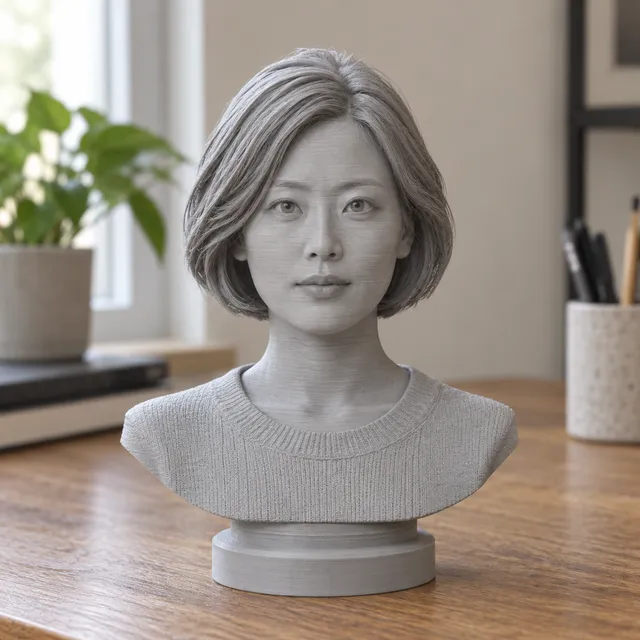
Your print-ready model appears here
Closed, manifold, flat-bottomed, on a base, and exactly the height you set.
In short: To convert a 2D image to 3D, upload a picture here and choose how it should become 3D.
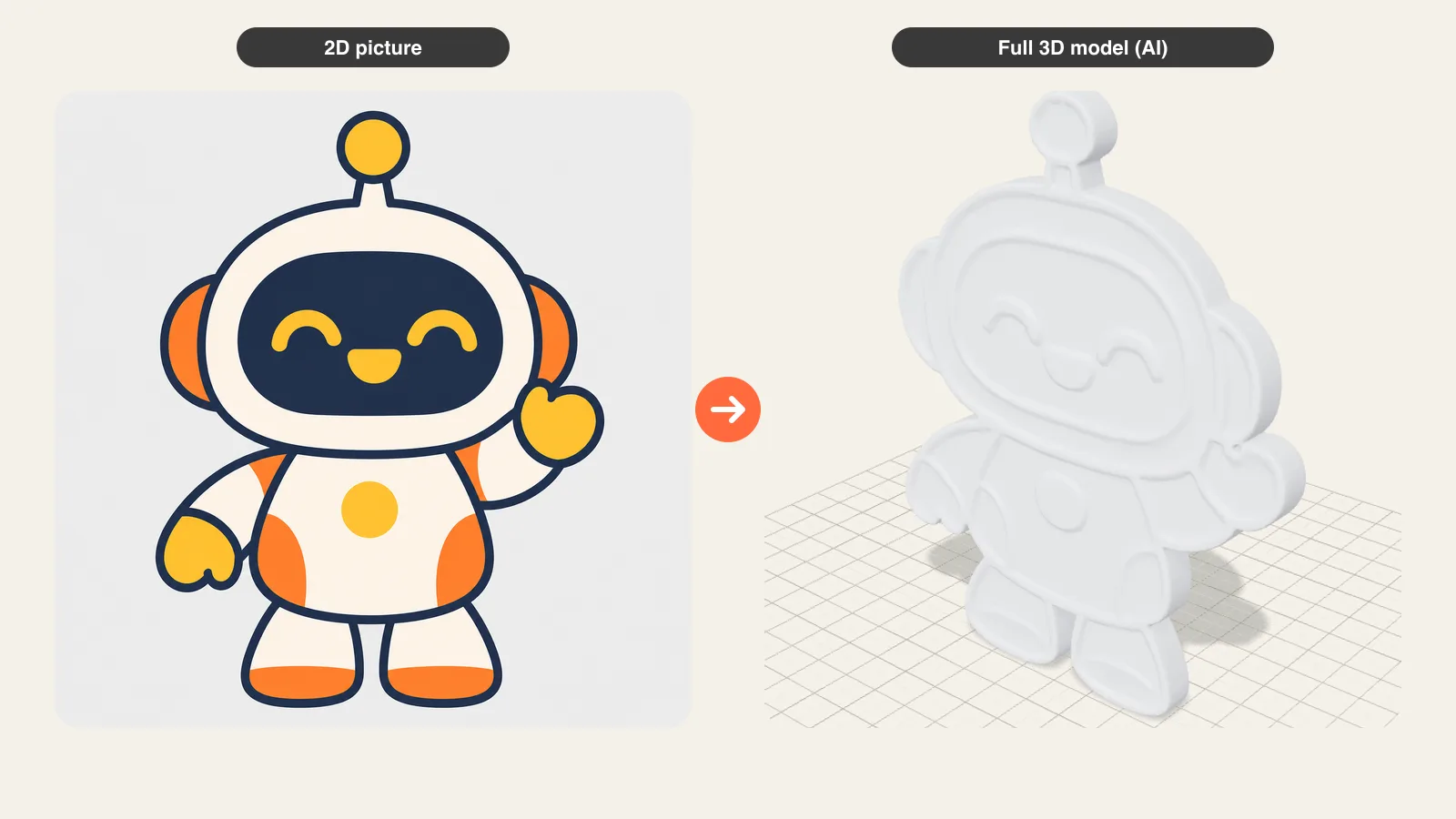
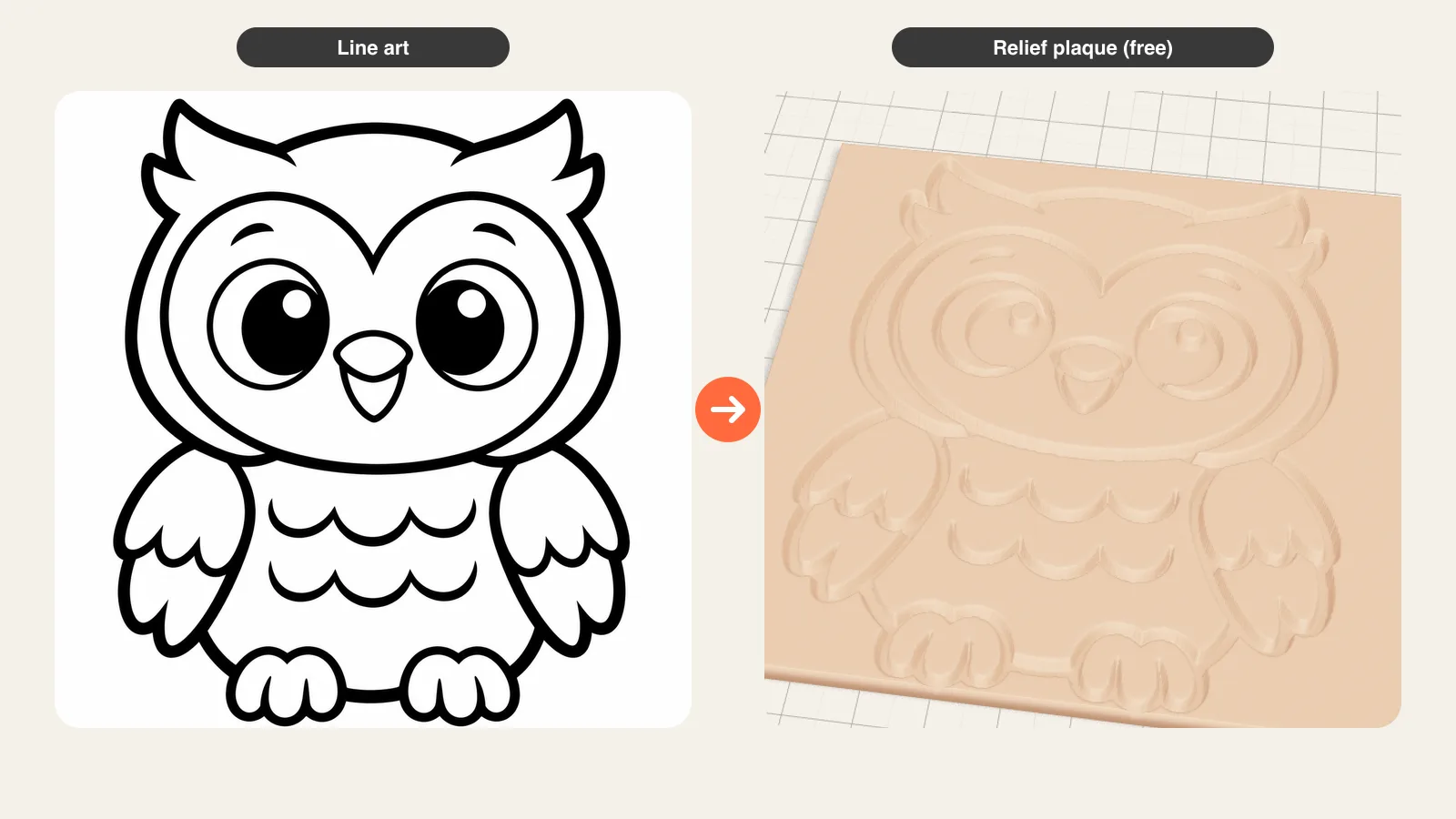
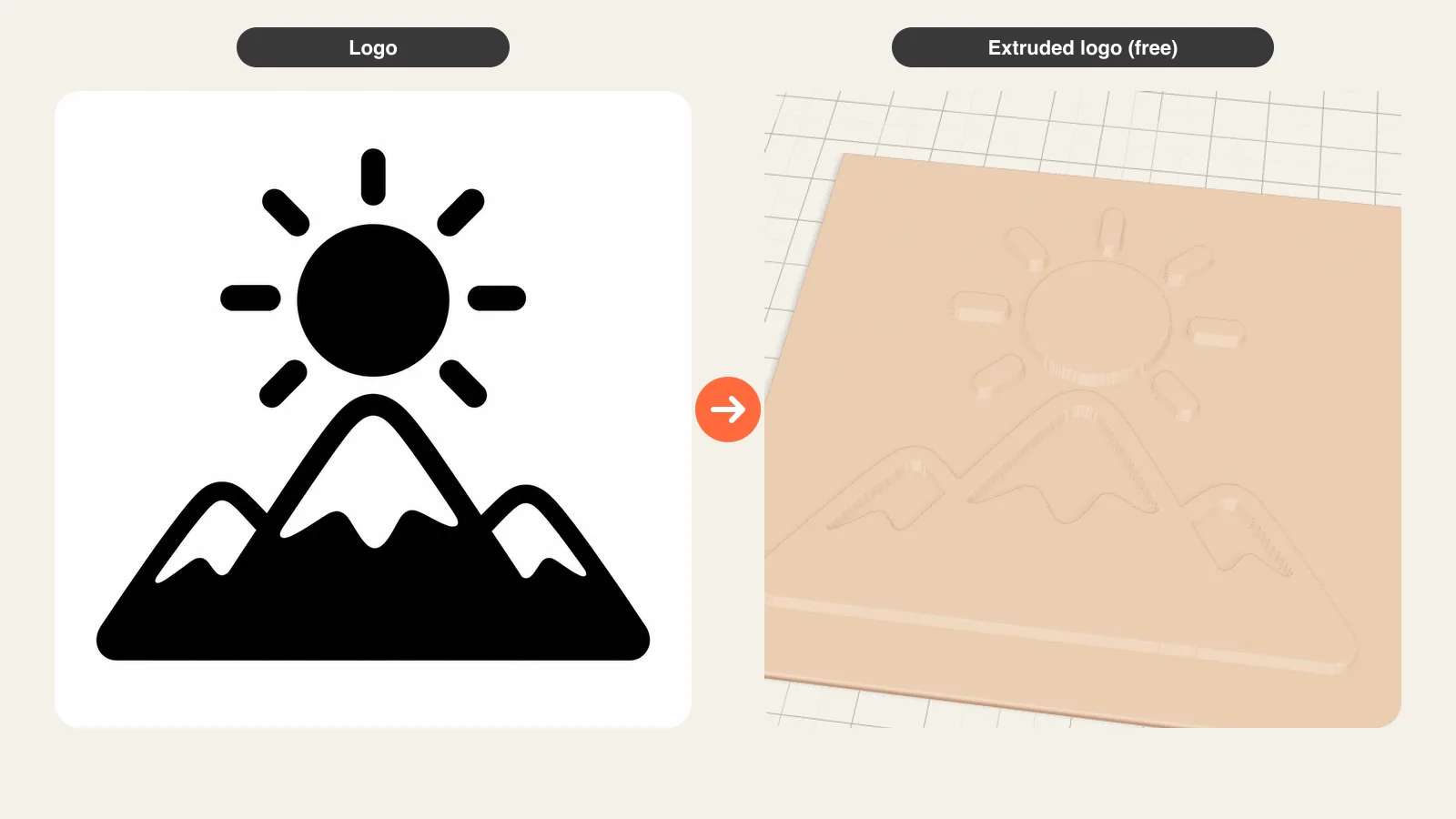
Full 3D model: the AI reconstructs the hidden back and sides, so you get an object you can turn around and print as a figurine or use in a game (1 free model a day, download included; more models from $4.99 for 3 ($2.99 for one if you have not made a model yet)). Relief / extrude: brightness becomes height, or dark shapes are extruded into raised layers; this is free, unlimited and runs entirely on your device, even offline. Depth map: an AI depth model (Depth Anything V2, 27 MB, downloaded once) runs in your browser, estimates what is near and far, and builds a relief from it, free and without uploading the picture. All three give STL and 3MF files for your slicer. Use the AI model for characters and objects, relief for logos and line art, and the depth map for photos and illustrations with depth.
How to use the 2D to 3D tool
- Upload a 2D picture: illustration, logo, drawing, sketch or photo.
- Pick a mode: Full 3D model, Relief / extrude or Depth map.
- Adjust height, base and size in millimetres in the 3D preview.
- Switch modes to compare the same picture three ways.
- Download as STL or 3MF.
| Full 3D model (AI) | Relief / extrude | Depth map | |
|---|---|---|---|
| Result | Object with back and sides | Raised layers on a plate | Bas-relief from estimated depth |
| Best for | Characters, mascots, objects | Logos, line art, text | Photos, illustrations |
| Runs | Cloud AI, about 2 min | Your device, offline | Your device (27 MB model, once) |
| Picture uploaded | Yes, not kept | No | No |
| Price | 1 free a day, then packs | Free, no limit | Free, no limit |
| Downloads | STL, 3MF | STL, 3MF | STL, 3MF |
Which 2D to 3D mode fits your picture
- Character, mascot, pet, toy or object drawing: Full 3D model. The AI invents a plausible back and sides, so it stands on its own as a figurine or a game asset.
- Logo, icon, line art, text, silhouette: Relief / extrude. Shapes stay crisp and exactly as drawn, which an AI reconstruction cannot promise.
- Photo or painted illustration with foreground and background: Depth map. It keeps the scene's depth as a bas-relief panel, like a carved plaque.
Not sure? Upload once and switch the tabs; the picture stays loaded.
Full 3D model: how the AI fills in the back
A 2D picture shows one side. The image-to-3D model was trained on many 3D objects, so it infers the hidden side from what is visible: a drawn robot gets a back panel and rounded shoulders, an owl gets tail feathers. The result is a watertight mesh you can rotate, resize in millimetres and print, with a flat base added when you pick a template. It is a reconstruction, not a measurement: for flat art with exact outlines (logos, lettering) the relief mode is more faithful. The first model each day is free, download included.
Relief and extrusion: free, offline and exact
Relief turns brightness into height: light areas rise, dark areas sink (or the other way round), which suits line art, engravings and photos as a plaque or lithophane. Extrusion, in the stamp and cookie-cutter variants of the same tool, lifts the dark shapes by a fixed height with crisp walls, which suits logos, icons and lettering. Everything is computed in your browser: the picture is never uploaded and, once the page has loaded, it keeps working without an internet connection. There is no daily limit.
Depth map: an AI depth model in your browser
The depth mode runs Depth Anything V2 (small), an open depth-estimation model, inside your browser with WebGPU or WebAssembly. It looks at the picture and paints a depth map: near things bright, far things dark. That map feeds the relief builder, so a photo of a street becomes a plaque where the nearest objects stand out most. The model is about 27 MB and is cached after the first use; the picture never leaves your device. Expect 5 to 30 seconds on a laptop, longer on older phones.
Tips for clean 2D to 3D results
- Use one subject on a plain background for the AI model; cut-off limbs and busy backgrounds confuse it.
- For logos, use the largest PNG or an SVG you have; thin lines under 0.8 mm at print size will not print.
- For depth maps, pictures with a clear foreground work best; flat front-on graphics give flat results.
- Set the print size first, then the height: a 100 mm plaque with 3 to 6 mm of relief reads well on an FDM printer.
Frequently asked questions
Can I convert a 2D image to a 3D model for free?
Yes. Relief / extrude and depth map are free with no limit and run in your browser. The AI full 3D model gives you one free model a day, download included; more are one-time packs from $4.99 for 3.
What is the difference between 2D to 3D and image to STL?
Image to STL usually means a relief: the picture becomes raised layers on a plate. 2D to 3D can also mean a full object with a back, which needs the AI mode. This page offers both, plus a depth map relief, so you can compare them.
Does my picture get uploaded?
Only in the AI full 3D model mode, where it is sent to the 3D generation provider and not kept by MeshShift. The relief/extrude and depth map modes run on your device and never upload the picture.
Can I turn a drawing or sketch into 3D?
Yes. A clean drawing works in all three modes: the AI mode turns a character drawing into a figurine, relief keeps the lines as a raised engraving, and the depth map gives soft shading to coloured art. Pencil sketches work best after you raise the contrast.
Which file formats can I download?
STL and 3MF in every mode, for 3D printing. For a Roblox game, use the Roblox AI model generator, which adds FBX.



