Image to STL: Free in Your Browser, or Full 3D With AI
Turn any picture into a printable relief, lithophane, stamp or keychain for free. Need a real 3D object from a photo instead? Use the AI path.
The free path: relief, lithophane, stamp, keychain
- Relief: every pixel becomes a column whose height follows its brightness. Good for textures, topographic maps and plaques.
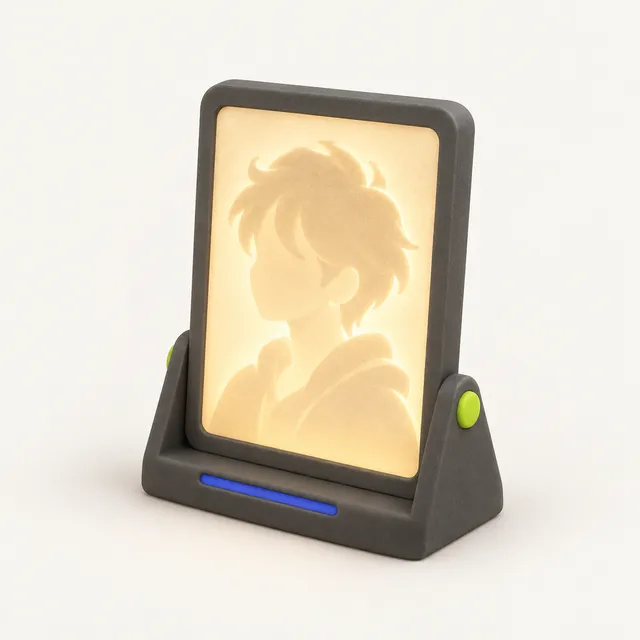
- Lithophane: a thin panel, inverted so dark areas are thick, that shows the photo when light shines through it. Flat or curved.
- Stamp or logo: the image is split into on and off by a threshold and the shape is extruded. Mirror it for rubber-style stamps so the print reads correctly.
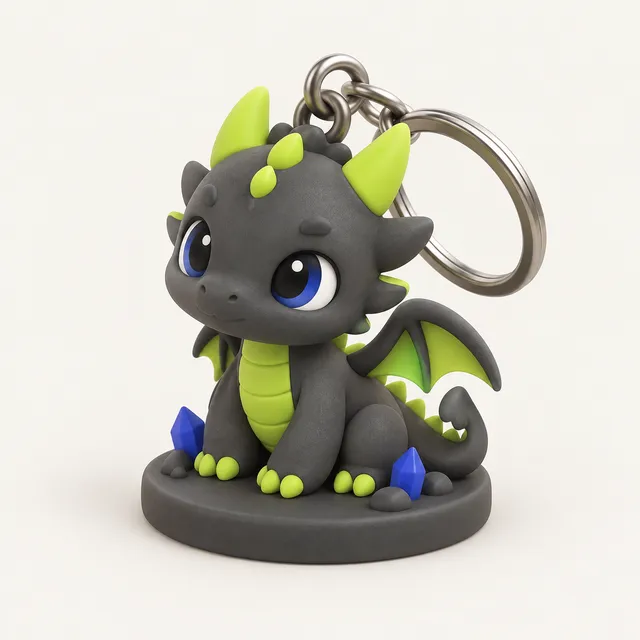
- Keychain tag: a logo or name on a base plate with a ring hole.
SVG files are handled as vectors: their paths are extruded directly, which gives crisp edges instead of pixel steps.
The AI path: a full 3D model from a photo
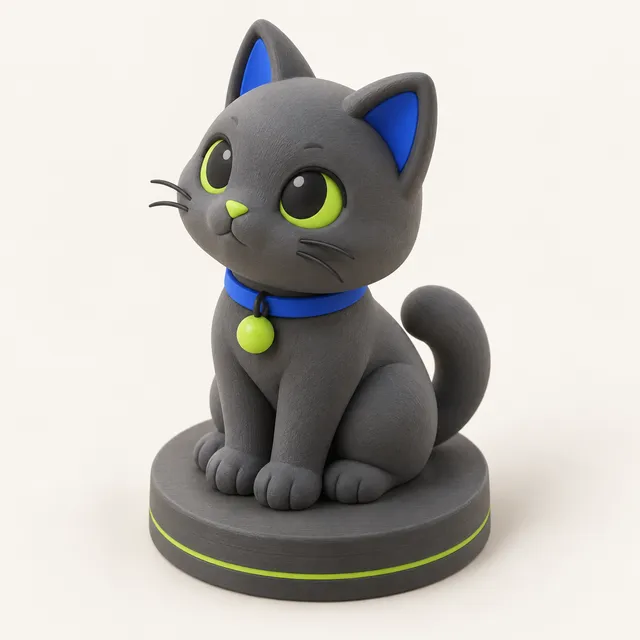
A relief cannot show what is behind the subject, and no amount of settings will turn a photo of a cat into a cat you can hold. For that, the AI tool predicts the complete 3D shape, then prepares it for printing: one watertight solid, floating fragments removed, a flat bottom and base, scaled to your height in mm.
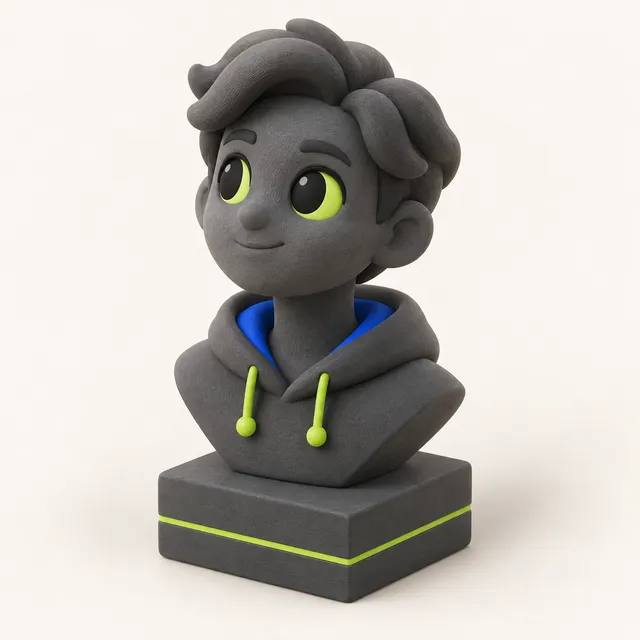
Choose Figurine, Bust, Keychain or Plain as the template. Each model costs 10 credits; packs are one-time at $4.99 for 4 models, $9.99 for 10 or $24.99 for 30, with no subscription. Your photo is never stored by MeshShift or used for training.
Settings that matter, in millimetres
Width sets the physical size; height follows the image's aspect ratio. For reliefs, a 1 to 2 mm base plus 2 to 4 mm of relief depth reads well at arm's length. Smoothing removes JPEG noise that would otherwise print as a rough, grainy surface; start low and increase until flat areas look flat in the preview.
For stamps and logos, set the threshold so thin lines survive, then check that no feature is narrower than about two nozzle widths, 0.8 mm on a standard 0.4 mm nozzle. Extrusion of 2 to 3 mm is plenty for a keychain. Higher resolution images create more triangles; if the slicer feels slow, reduce the width or resolution.
Common mistakes
- Using a busy photo for a stamp. Thresholding a photo with soft gradients produces noise; use a high-contrast logo or line art.
- Forgetting to mirror a stamp, so the text prints backwards on paper.
- Choosing a relief when you wanted a lithophane. Reliefs are raised where the image is bright; lithophanes are thick where it is dark and need light behind them.
- Printing reliefs face-up with thick layers. 0.12 mm layers keep subtle height changes visible.
- Expecting a full figure from the free converter. That needs the AI path.
Frequently asked questions
Is image to STL free?
Yes. Relief, lithophane, stamp and keychain conversion are free, need no account and run in your browser, so your image is never uploaded. Only the AI tool that creates a full 3D model from a photo uses paid credits.
Can I convert a picture of a person into a 3D figure for free?
The free converter creates a relief or lithophane of the photo, which is flat on the back. A full 3D figure or bust needs AI to estimate the hidden sides, which uses credits. Signing in with Google gives 10 free credits, enough for one AI model.
Which image formats are supported?
PNG, JPG, WebP and SVG. PNG with transparency is ideal for logos because transparent pixels become empty space. SVG paths are extruded as vectors for the cleanest edges.
How thick should an image relief be?
A base of 1 to 2 mm plus 2 to 4 mm of relief depth works for most wall plaques and coasters. Deeper relief exaggerates shapes and needs more filament; very shallow relief under 1 mm can disappear at 0.2 mm layer height.
Can I get 3MF instead of STL?
The image tools export STL. You can open that STL in the free MeshShift converter and export 3MF in a few seconds, still entirely in your browser. The lithophane maker can export 3MF directly.