Picture to STL: Turn a Picture Into a 3D Print
Drop a picture and choose what it should become: an embossed relief, a backlit lithophane, a raised sign or a cookie cutter. Download STL or 3MF.
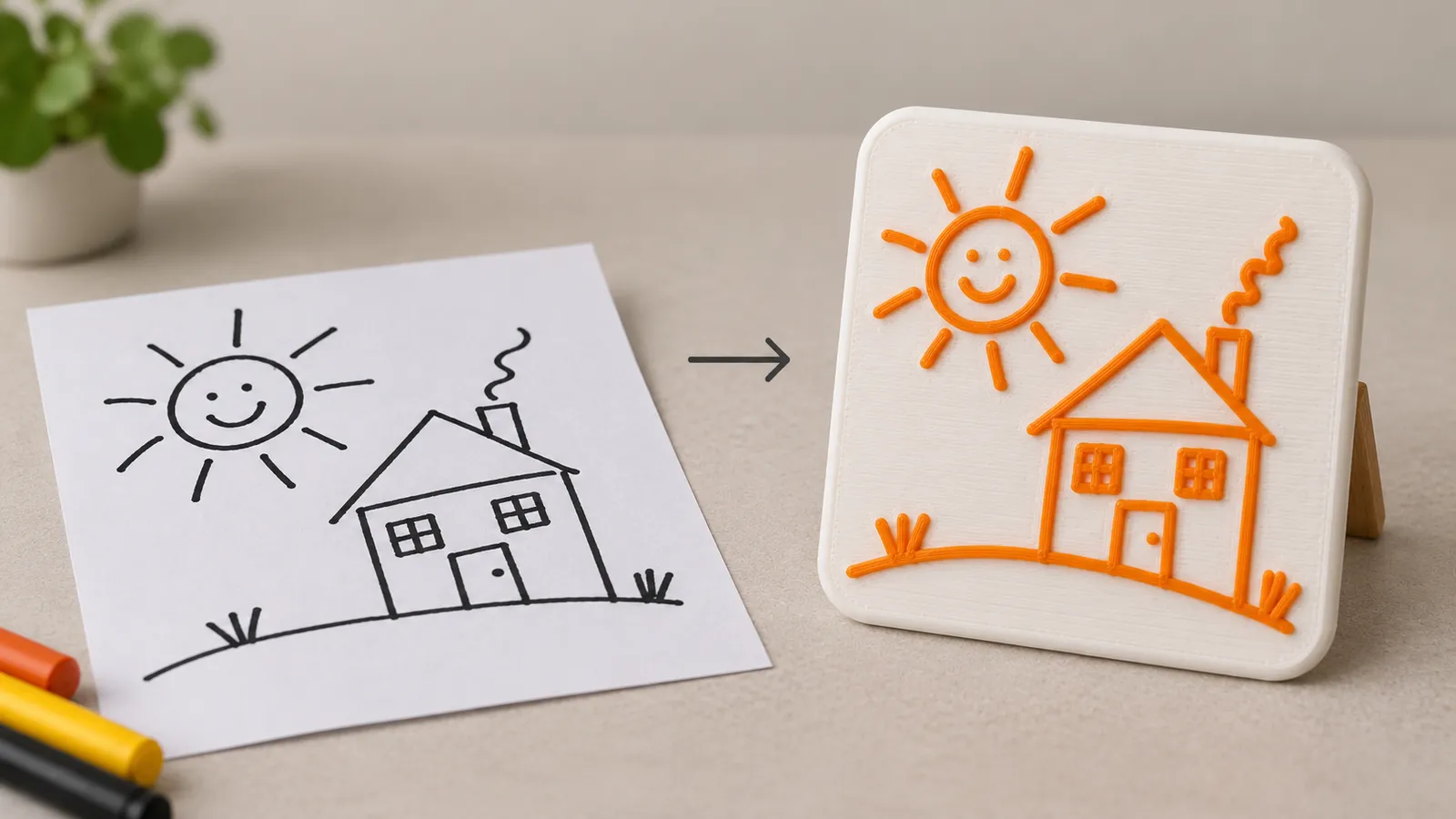
Which picture makes which print
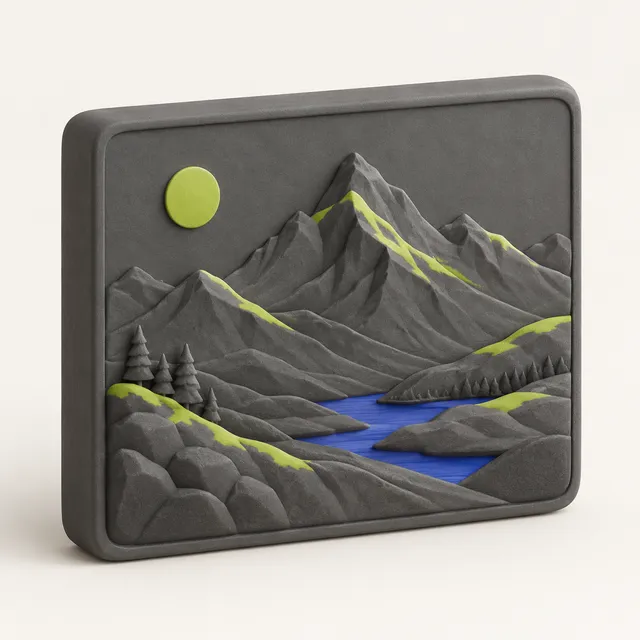
- Photos of faces, pets and landscapes: lithophane first, relief second. Lithophanes reproduce detail and soft gradients far better.
- Drawings, cartoons, clip art and icons: stamp mode. Bold black lines on white become crisp raised shapes.
- Silhouettes and simple shapes: cookie cutter, or stamp for a badge or coaster.
- Logos: stamp mode with a clean PNG or SVG; see the logo to STL guide for brand work.
- Text in a picture: use text to STL if you can retype it, because fonts render sharper than a photographed sign.
The tool never guesses depth from what the picture shows. It maps brightness to height, which is why the same picture can look great as a lithophane and flat as a relief.
Getting a clean result
Crop to the subject and straighten it before converting. For drawings, photograph the paper straight on in daylight, or scan it, and increase contrast so the paper is white rather than grey. If shadows on the paper turn into bumps, raise the threshold in stamp mode or clean the background in any photo app.
For photos, use the original from the camera roll rather than a compressed copy from a chat app; compression blocks print as a checkered texture. Turn up smoothing for noisy night shots. Use Invert when the picture is light-on-dark, such as white chalk on a blackboard.
Picture to 3D print: slicer settings
Print reliefs and stamps flat on the bed at 0.12–0.2 mm layers with 15–20 % infill. Print lithophanes upright in white PLA at 0.12 mm with 100 % infill, so no infill pattern shows when lit. Cookie cutters print flange down at 0.2 mm in PLA or PETG; wash them by hand.
The preview shows estimated grams of filament, cost and print time for the size you set, so you can check a 150 mm plaque against a 4-hour evening before you slice it.
When a picture should become a real 3D model
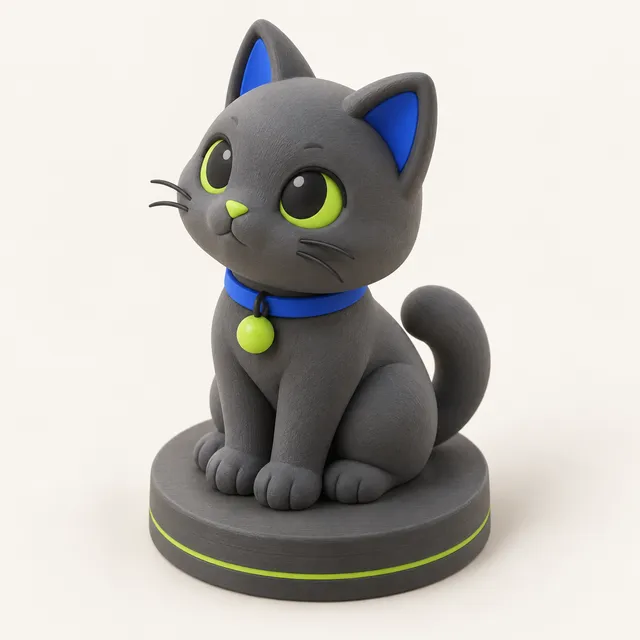
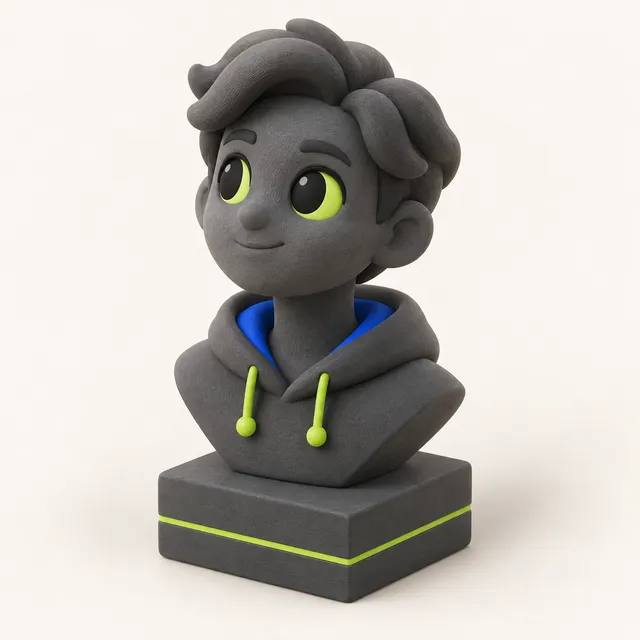
If the picture shows a toy, a pet or a person and you want something you can walk around, a relief is not enough. The AI photo to 3D model tool predicts the hidden sides and builds a closed, printable figure on a base, scaled to your height in millimetres. The first model is free with no account; after that one-time packs start at $1.99 for one model. Pictures sent to the AI are not stored by MeshShift or used for training.
Frequently asked questions
How do I turn a picture into an STL file?
Drop the picture into the MeshShift picture to STL tool, choose relief, lithophane, stamp or cookie cutter, set the width in millimetres and click STL. It takes a few seconds, works in any modern browser and needs no software or account.
Can any picture be 3D printed?
Any picture can become a relief or lithophane. Results are best with a clear subject, good contrast and at least 600 pixels across. Busy pictures with small details turn into noise at 100 mm, so crop to what matters.
Is picture to STL free?
Yes. The four picture modes are free with no sign-up, no watermark and no file limit, because the work happens in your browser. Only the AI tool that makes full 3D figures uses credits.
What is the difference between picture to STL and picture to 3D model?
Picture to STL here means a 2.5D print from brightness: flat on the back, like a plaque or a lithophane. Picture to 3D model means a full object with a back and sides, which needs AI to guess what the picture does not show.
Can I convert a child's drawing into a 3D print?
Yes. Photograph the drawing straight on, use stamp mode and adjust the threshold until the lines are solid. For a fridge magnet, print a 3 mm base and glue a small magnet to the back; for a keychain, add a keyring hole.