JPG to DXF Converter
Trace a JPG or JPEG sketch, scan or logo into a DXF with closed outlines at the exact width you need, for laser cutting, CNC and CAD. Free, in your browser.
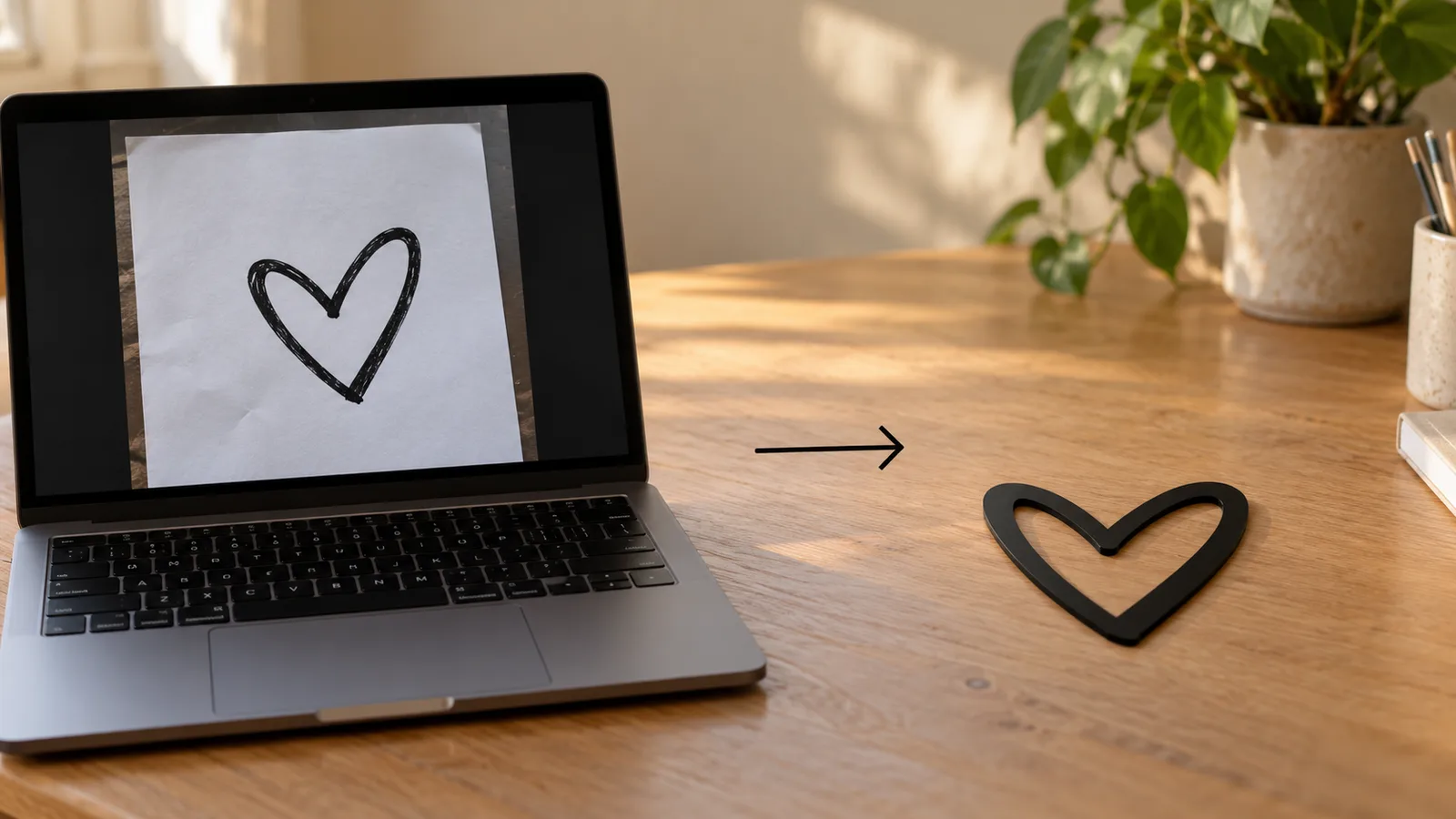
In short: To convert a JPG to DXF, drop the JPEG into MeshShift. It converts the image to black and white at a threshold you choose, removes JPEG speckle, traces the edges and writes them as closed polylines in an AutoCAD R12 DXF.
Set the width in millimetres or inches and the drawing is scaled to exactly that size. Smoothing turns the pixel staircase into clean curves with fewer nodes, and the preview shows the result and the node count before you download. The file opens in LightBurn, LaserGRBL, Inkscape, Fusion 360, AutoCAD and other CAD and CAM software. The JPG is never uploaded, and there is no watermark, sign-up or queue. JPEG compression leaves faint blocks and halos around edges; the speck filter and threshold remove most of them. A phone photo of a pencil sketch works if the lines are dark and the paper is evenly lit.
JPG-specific tips: noise, shadows and sketches
JPEG stores images with lossy compression, so edges carry faint grey blocks. Raise "Remove specks" until those disappear from the preview, and add a little smoothing so curves do not follow the compression artefacts.
For a photo of a drawing, light it evenly: a shadow across the page becomes part of the shape. If the paper looks grey, move the threshold down until only the lines remain. For a light logo on a dark background, tick Invert.
How to convert a JPG to DXF
- Drop the JPG or JPEG (WebP and HEIC from an iPhone also work).
- Adjust the threshold until the preview shows your shape, then set smoothing and speck removal.
- Use Fine detail for small text or thin lines.
- Enter the real width in mm or inches and download the DXF. The SVG option saves the same outlines for vinyl cutters and Cricut-style software.
What you get in the file
Each outline is a closed POLYLINE on a layer named OUTLINE, holes are separate loops, and the drawing starts at 0,0. The header states the unit. Because every shape is closed, you can fill it for engraving, offset it for kerf, or extrude it into a solid in Fusion 360 or FreeCAD without joining lines first.
Using the DXF on a laser, CNC router or vinyl cutter
On a laser (LightBurn, LaserGRBL, RDWorks), import the DXF, check that the size matches the width you typed, then set the layer to Line for cutting through or Fill for engraving the area. Closed loops let the software offset the cut by half the kerf, which keeps press-fit parts and inlays the right size.
On a CNC router, import the DXF into your CAM program (Fusion 360, Carbide Create, Easel, VCarve) and use the outer loops for profile cuts and the inner loops for pockets. Remember that a round bit cannot cut sharp inside corners; raise smoothing a little so tight corners become radii the tool can follow.
For vinyl and paper cutters, the SVG download is often easier to import than DXF and keeps the same outlines and size.
Fewer nodes, cleaner cuts
Each traced pixel step is a tiny corner, and machines slow down on thousands of tiny segments. The node count under the preview tells you how heavy the file is. Smoothing 1 to 2 usually cuts the count by more than half while keeping the shape; for very large signs, Draft detail is enough because each pixel already spans more than a millimetre.
Frequently asked questions
Is JPG to DXF conversion free?
Yes, with no sign-up, watermark or file limit. The conversion runs in your browser, so the image never leaves your device.
Why does my JPG trace look rough?
JPEG compression adds noise around edges. Increase "Remove specks", add smoothing, and use a higher-resolution JPG if you can. A PNG of the same artwork usually traces cleaner.
Can I trace a hand drawing photographed with my phone?
Yes, if the lines are dark and the page is evenly lit. Lower the threshold until the paper disappears, then raise smoothing. Shadows and creases will show up as shapes, so photograph the page flat and in diffuse light.
Which unit should I choose?
Choose the unit your laser or CAD program expects, usually millimetres. The width you type is in that unit and the file header records it, so a 4 inch sign exports as 4 units wide with the inch setting.
Is my image uploaded anywhere?
No. The JPG is decoded, traced and written as DXF inside your browser tab. Nothing is sent to a server, so sketches and client artwork stay on your device, and there is no queue or daily limit.



