Text to STL: Raised 3D Letters for Signs, Names and Stamps
Type a word or a short sign, choose a font and get a printable plate with raised letters, sized in millimetres. Free and in your browser.
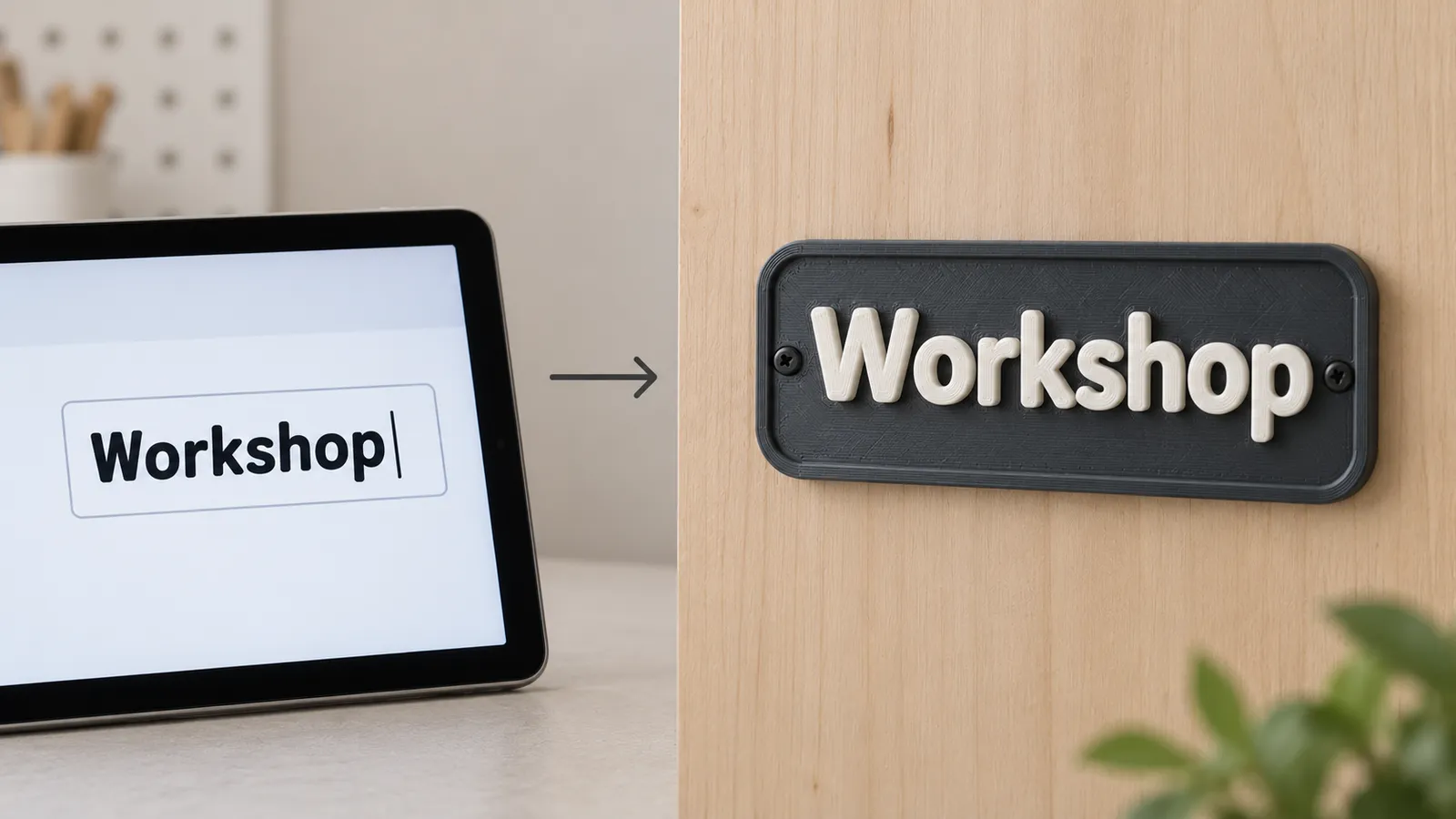
Text to STL in four steps
- Type the text. Line breaks start a new line; keep each line short so letters stay large.
- Choose a font: Rounded bold for friendly signs, Block capitals for labels and bins, Slab serif for door plates, Script for names and toppers.
- Set the width, the base thickness and “Raised by”, the letter height above the plate.
- Download the STL or 3MF.
The plate is sized to the text with an even margin. If you need an exact plate size, set the width first and add line breaks or spaces until the proportions look right in the preview.
Signs, labels and stamps
For a wall or door sign use a 120–200 mm width, a 3 mm base, letters raised 2 mm and a 2 mm frame. Add a 4 mm hole at the top for a nail, or leave it out and use double-sided tape.
For storage bin labels use Block capitals at 60–80 mm with a 1.6 mm base; they print in minutes and slide into most label holders.
For a stamp, switch on “Mirror” under More options so the print reads correctly when pressed. Raise the letters at least 2 mm so the plate does not touch the ink, and use a rectangle without a frame. Rubber-like TPU stamps hold ink better than PLA; PLA works for wax seals and clay.
Letters in a second colour
The letters start exactly at the top of the base, so a filament change at that height gives two-colour text on a single-nozzle printer. Add the change at the first layer above the base thickness: in Bambu Studio and OrcaSlicer, right-click the layer slider and choose “Add color change”; in PrusaSlicer add an M600 colour change; in Cura use the Filament Change script. Printers with an AMS or MMU can paint the top layers instead.
What text to STL cannot do
The tool makes raised or flat text on a plate. It does not make separate, free-standing 3D letters, curved text on a cylinder, or engraved (sunken) text into an existing model. For those, Tinkercad's text shapes and Fusion's emboss tool are the usual free choices. Fonts are limited to four bold families chosen because they print cleanly; thin decorative fonts break apart at small sizes. If you need a specific brand font, write the text in that font in any graphics app, export a black-on-white PNG or SVG and use “Use an image instead”: the shapes are kept exactly.
Frequently asked questions
How do I convert text to an STL file for free?
Type the text in the MeshShift text to STL tool, choose a font, set the width and letter height and click STL. The file is generated in your browser, so nothing is uploaded and there is no account, watermark or limit.
How tall should 3D printed letters be?
Letters raised 1 to 2 mm above a 2 to 3 mm plate read well from a few metres away. For the letters to be legible, each stroke should be at least 1 mm wide, which means a cap height of about 8 mm or more with bold fonts.
Can I use my own font?
Write the text in your font in any app such as Canva, Inkscape or Word, export it as a black-on-white PNG or an SVG, then choose “Use an image instead”. Stamp mode turns the dark letter shapes into raised text with the same outline.
How do I make a text stamp?
Turn on Mirror under More options, raise the letters by 2 mm or more, use a rectangle shape and no frame. Print the stamp face up; TPU holds ink better than PLA.
Will the STL work in Bambu Studio and Cura?
Yes. The output is one watertight solid in millimetres, ready to slice in Bambu Studio, PrusaSlicer, OrcaSlicer, Cura and resin slicers like Chitubox and Lychee.