PNG to DXF Converter
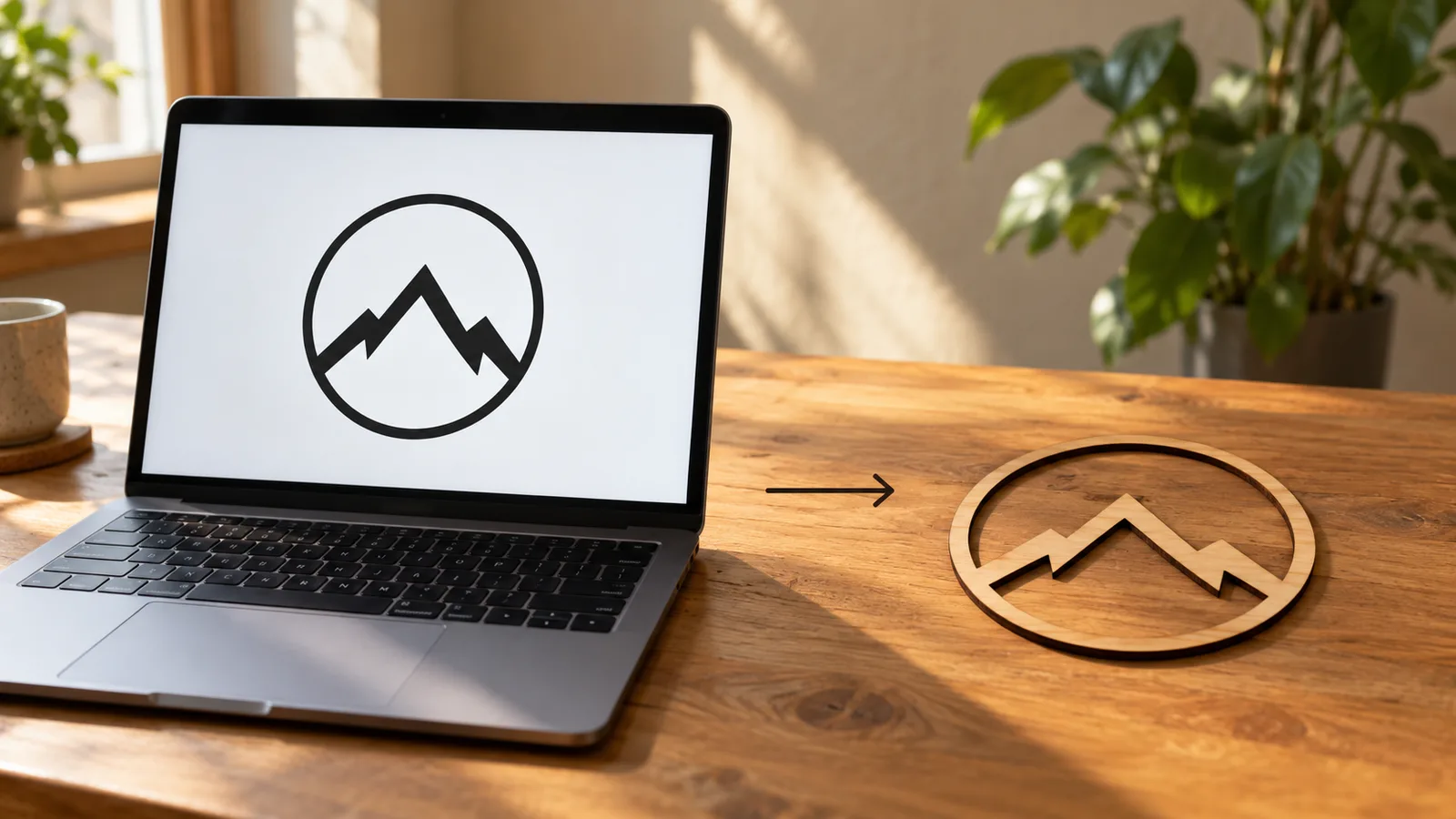
Turn a PNG logo, drawing or silhouette into a DXF with closed outlines at an exact width in millimetres or inches, ready for laser cutters, CNC routers and CAD.
In short: To convert a PNG to DXF, drop the image into MeshShift. It turns dark pixels into a shape (or light pixels, with Invert), traces the edges and writes them as closed polylines in an AutoCAD R12 DXF, which LightBurn, LaserGRBL, Inkscape, Fusion 360, AutoCAD, LibreCAD and most CNC software open.
You set the overall width in mm or inches and the drawing is scaled to exactly that size, with the bottom-left corner at 0,0. Threshold, smoothing and speck removal are adjustable, and the preview shows how many paths and nodes the file will have. Holes, such as the inside of a letter O, stay as separate closed loops, so they cut out correctly. Everything runs in your browser: the PNG is not uploaded, there is no watermark, sign-up or queue. PNG suits this well because it has sharp edges and no compression noise; for a photo, expect an outline of the shapes rather than the picture.
Why closed polylines matter
Laser and CNC software decides what to cut and what to fill from closed shapes. Many free converters export thousands of short separate lines, which cut fine as a single pass but cannot be filled, offset for a kerf or turned into pockets, and they often leave tiny gaps that a CAM program reports as open contours.
MeshShift writes every outline as one closed POLYLINE, with holes as their own loops. That means you can fill or engrave the shape, apply a kerf offset, extrude it in CAD, or use it as a pocket boundary without joining segments first.
How to get a clean trace
- Start with a high-contrast PNG: black artwork on white, or white on a transparent background (transparent counts as background).
- Move the threshold until the preview matches your artwork. Thin lines vanish when the threshold is too low; edges bleed together when it is too high.
- Raise smoothing for logos and curves; set it to 0 for pixel art or when you want every step of the pixels kept.
- Increase "Remove specks" to delete dust and stray pixels, and choose Fine detail for small text.
- Type the real width, choose mm or inches and download the DXF. You can also save the same outline as an SVG.
Sizes, units and what opens the file
DXF stores plain numbers, so the unit setting matters. The file header records millimetres or inches, and the coordinates are written in that unit: a 100 mm wide logo really is 100 units wide. If your program asks for the unit on import, choose the same one.
The R12 format is the oldest and most widely supported DXF version. It opens in LightBurn, LaserGRBL, RDWorks, Inkscape, Fusion 360, SolidWorks, Onshape, FreeCAD, AutoCAD and LibreCAD, and in sign and vinyl cutter software.
Going 3D instead
If you want a printed part instead of a cut one, the same PNG can become an STL on the PNG to STL page, as a raised logo, stamp or relief with a base. For a full 3D figure of a person or object from a photo, the AI photo to 3D model tool builds a closed, printable model.
Frequently asked questions
Is the PNG to DXF converter free?
Yes. Converting, adjusting and downloading DXF and SVG files is free with no sign-up, no watermark and no file limit. The PNG is processed in your browser and never uploaded.
Will the DXF open in LightBurn or my CNC software?
It is an AutoCAD R12 DXF with closed polylines, the most widely supported variant. LightBurn, LaserGRBL, Inkscape, Fusion 360, AutoCAD, LibreCAD and most CAM programs open it. Choose the same unit on import that you set here.
How do I make the DXF the right size?
Type the overall width you need and choose millimetres or inches before downloading. The outline is scaled so its width is exactly that value, with the bottom-left corner at 0,0, and the height follows the image's proportions.
Why are there holes in letters like O and A?
Inner shapes are kept as their own closed loops so they cut out or stay empty when filled, which is what you want for lettering. If you want a solid silhouette, raise the threshold or delete the inner loops in your CAD program.
Can I convert a photo to DXF?
You can, but a photo becomes an outline of its light and dark areas, not a picture. For clean results, use a silhouette, a logo or line art with strong contrast, or remove the background first.



