Image to 3D Model: AI Generator That Makes Printable Files
Drop a picture of a pet, a toy, a person or a drawing and get a closed, sized 3D model on a base in about two minutes. Or type a description instead.
Next model $1.99, no account needed. Failed runs refund automatically.
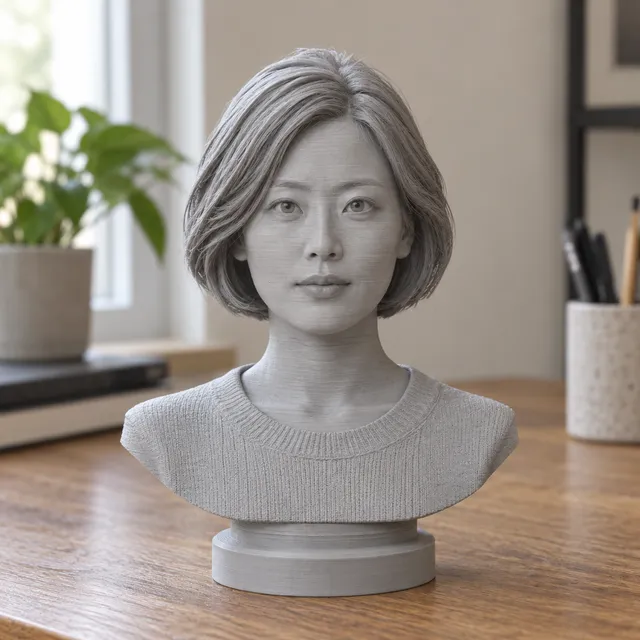
Your print-ready model appears here
Closed, manifold, flat-bottomed, on a base, and exactly the height you set.
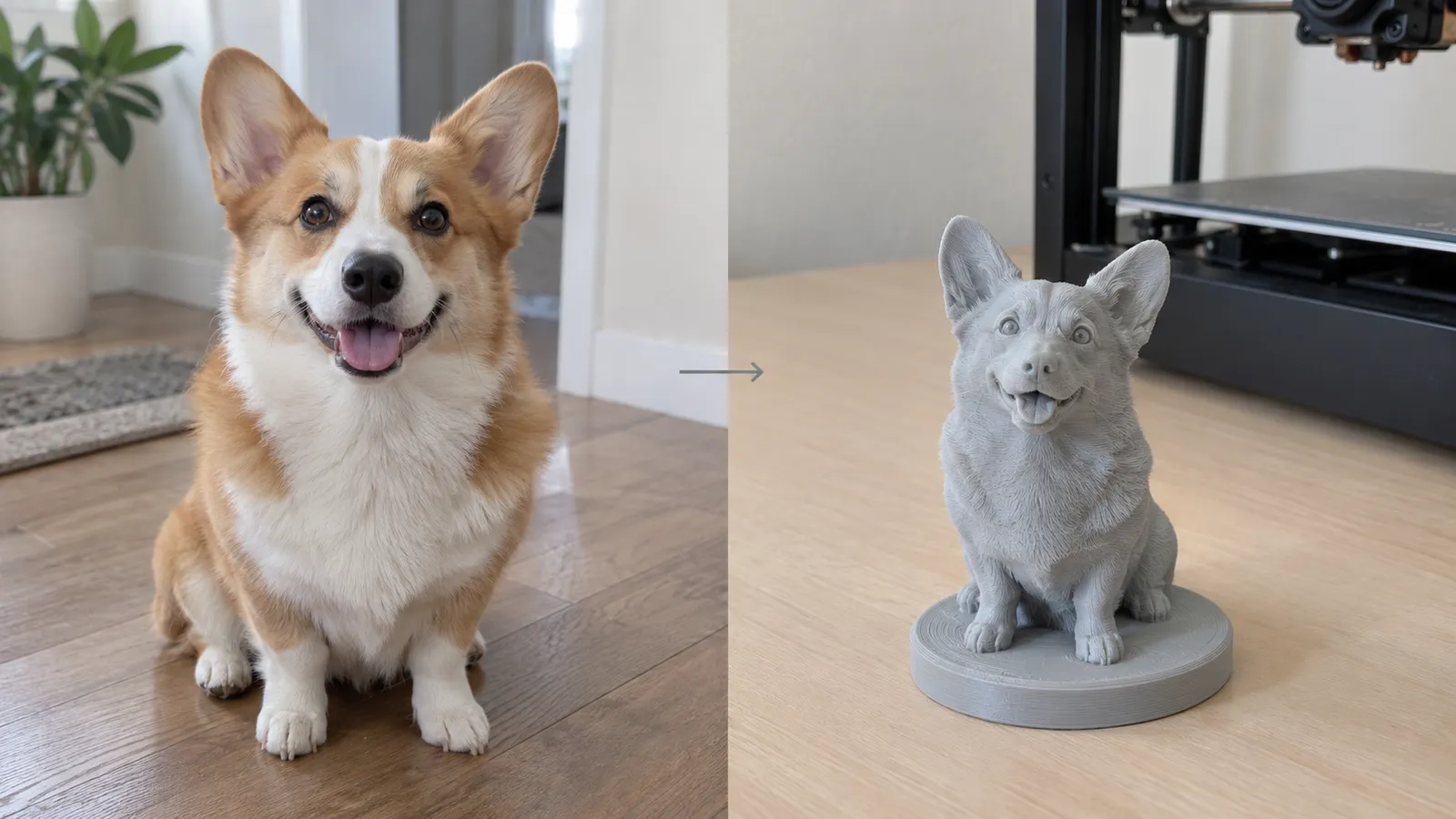
How to turn an image into a 3D model
- Drop the image. JPG, PNG, WebP and iPhone HEIC all work. One subject, fully visible, on a plain background gives the best shape.
- Add more angles if you have them. A side and a back view of the same subject reduce guessing on the parts the front view cannot show.
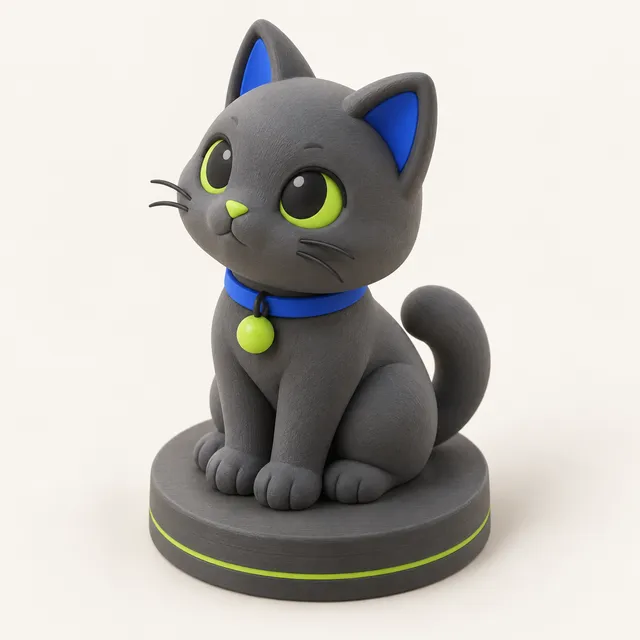
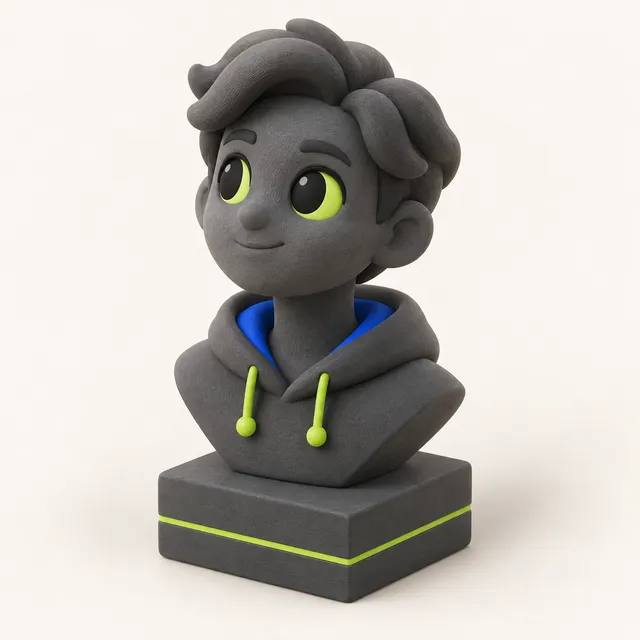
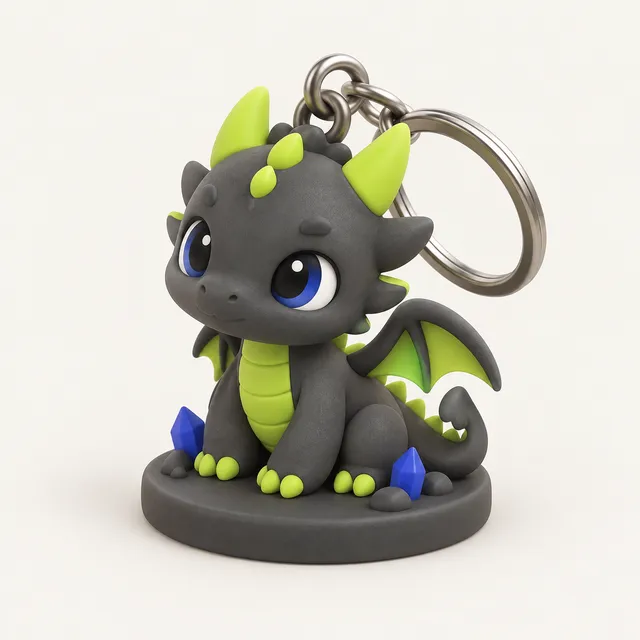
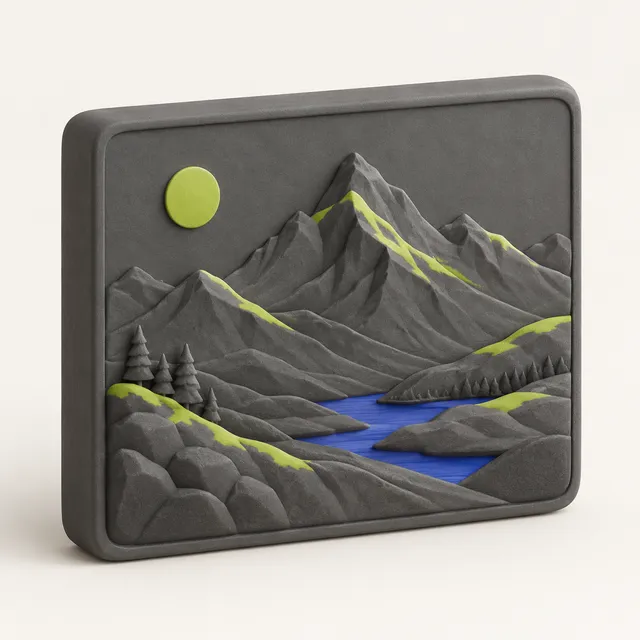
- Pick a template. Figurine stands the model on a round, oval or square base; Bust cuts head and shoulders onto a plinth; Keychain makes a flat-back charm with a loop; Plain only flattens the bottom.
- Type the height in millimetres and generate. The AI step takes about one to two minutes and you can watch the progress.
- Check the result in the 3D viewer, change template, height, base or hollowing as often as you like at no extra cost, then download STL or 3MF.
Why a printable 3D model is different from a game asset
Most AI 3D model generators are built for games, AR and product renders. They return a textured mesh, often as GLB or FBX, and the texture carries much of the detail you see on screen. Opened in a slicer, the same file can have open holes, several overlapping shells, tiny floating pieces, no flat side to stand on and a size of a few millimetres or several metres.
MeshShift is made for the next step, the printer. Every model is checked and repaired into one manifold solid, given a flat base and scaled to the height you typed, and the viewer shows the real size, overhangs that need supports, filament weight and print time before you download. Because a printer prints shape, not texture, detail has to exist in the geometry; that is why front-facing photos with clear outlines and lighting work much better than flat or heavily shaded images.
Which images work best
- One clear subject: a pet, a person, a toy, a statue, a plush or a character drawing.
- The whole subject in frame, nothing cut off at the edges.
- Soft, even light; strong shadows can be read as shape.
- A plain background with good contrast, or a cut-out PNG.
- A straight-on view at about mid-height of the subject.
Images that tend to fail are crowds, scenes with several objects, transparent glass, thin wires, text and very dark photos. For a drawing or illustration, a clean character with a clear outline works well; a flat logo or text is better served by the free image to STL tools, which turn the picture itself into a raised plate or relief without AI.
AI 3D model or a free image to STL relief?
There are two ways to turn a picture into something you can print, and they suit different jobs.
Use this AI image to 3D model tool when you want a real, all-round object: a figurine of your dog, a bust of a person, a character you drew, a keychain charm you can hold. It costs credits because a 3D model is generated on a GPU.
Use the free image to STL tool when the picture itself is the design: a logo, a sign, a name, a lithophane, a relief or a cookie cutter. It runs entirely in your browser, nothing is uploaded and there is no cost. Both give you STL and 3MF files with real millimetre sizes.
Pricing, privacy and refunds
Your first model is free with no account, as long as the free daily allowance is not used up. After that one model costs 10 credits. Credit packs are one-time purchases with no subscription: $1.99 for one model, $4.99 for 4, $9.99 for 10 and $24.99 for 30. Changing template, size or base on a finished model is always free. If a generation fails, the credits come back automatically, and unused packs can be refunded within 14 days.
Your image is used only to create your model. MeshShift does not store it after it is sent to the 3D engine, never uses it for training and never makes it public. Finished models stay in My models for 30 days. Only upload pictures you have the right to use.
Frequently asked questions
Can AI make a 3D model from a single image?
Yes. The AI predicts the complete shape from one picture, including the sides and back it cannot see. The front usually matches the image closely; the back is a plausible guess. Adding a side and a back view of the same subject makes the hidden parts more accurate.
Is this image to 3D model generator free?
Your first model is free with no sign-up. After that each model costs 10 credits, and packs start at $1.99 for one model with no subscription. If you only need a flat relief, logo, sign or lithophane from a picture, the image to STL tools are completely free.
Can I 3D print the model straight away?
That is the point of the tool. Every model is rebuilt as one watertight solid with a flat bottom and a base, scaled to your height in millimetres. Drop the STL or 3MF into your slicer, add supports where the viewer shows overhangs and print.
Which file formats do I get?
STL and 3MF, both in millimetres. They open in Bambu Studio, PrusaSlicer, OrcaSlicer, Cura, Chitubox and Lychee. The tool is made for printing, so it does not export coloured textures, GLB or FBX for game engines.
Can I make a 3D model from text instead of an image?
Yes. Switch the tool to text, describe the object, for example a sitting fox wearing a scarf, and the same print preparation is applied. The AI STL generator page explains text prompts in more detail.