Free 3D File Converter
ready to print.
Convert STL, 3MF, OBJ, GLB, FBX, STEP and 10 more formats right in your browser. Your files never leave your device, and you see real dimensions in mm before you download.
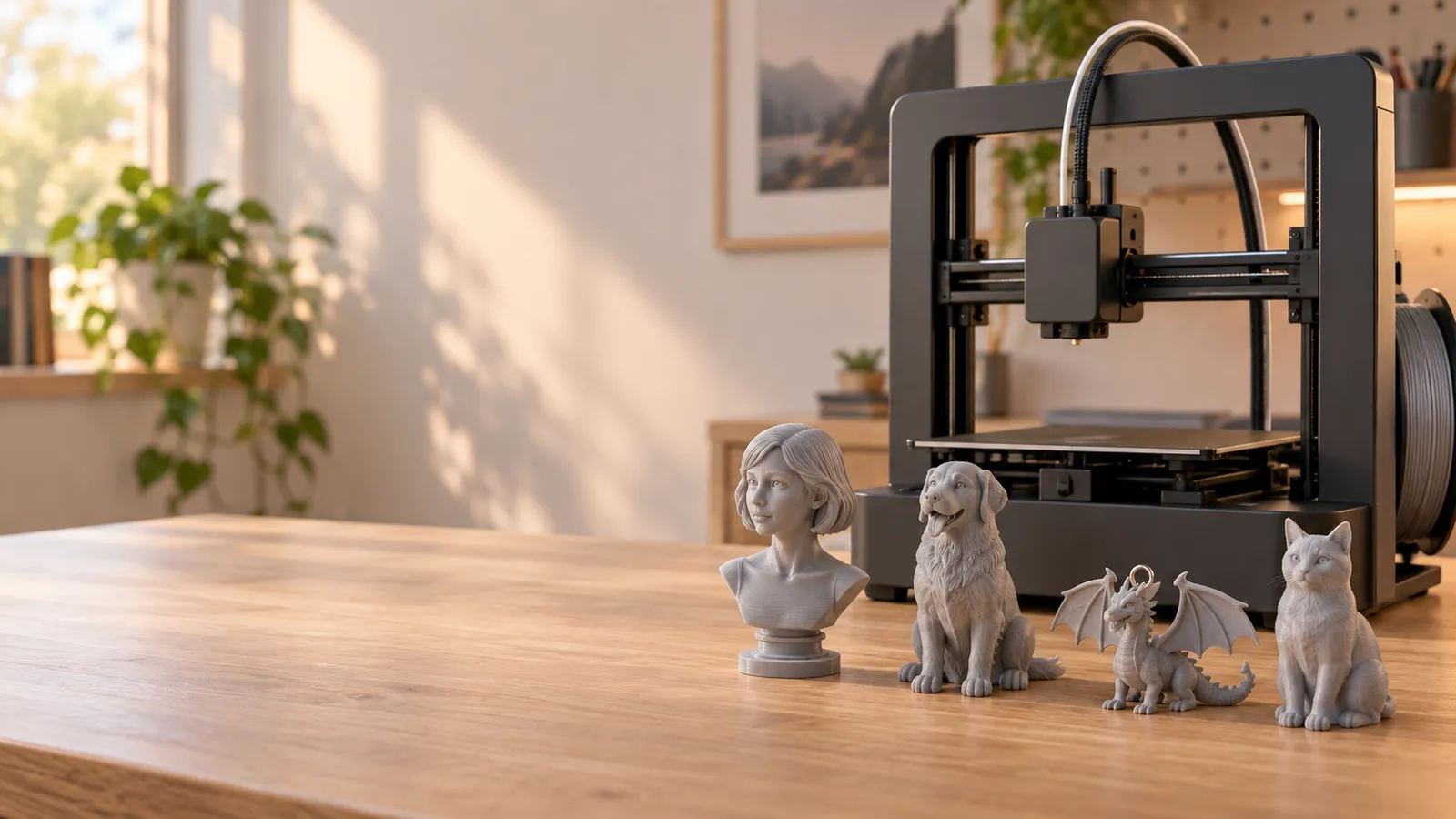
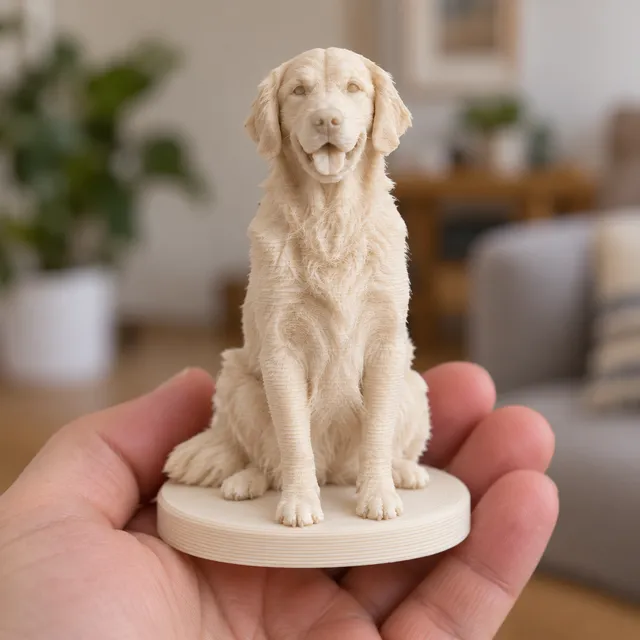
Turn a photo into something you can actually print
General AI 3D tools give you a game asset. We give you a closed, manifold solid with a flat base, at the exact height you type in millimetres — straight into Bambu Studio, PrusaSlicer or Cura.
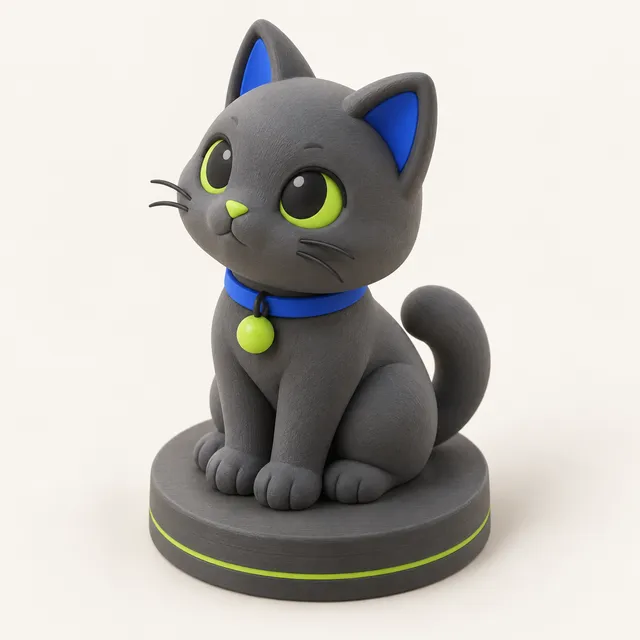
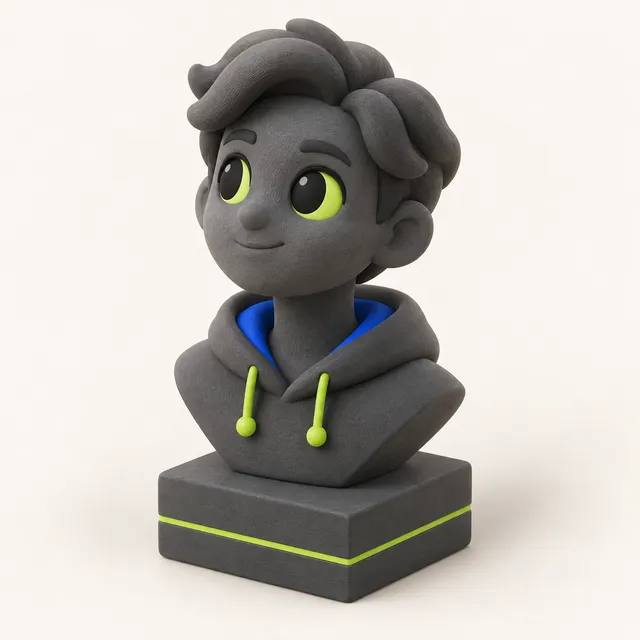
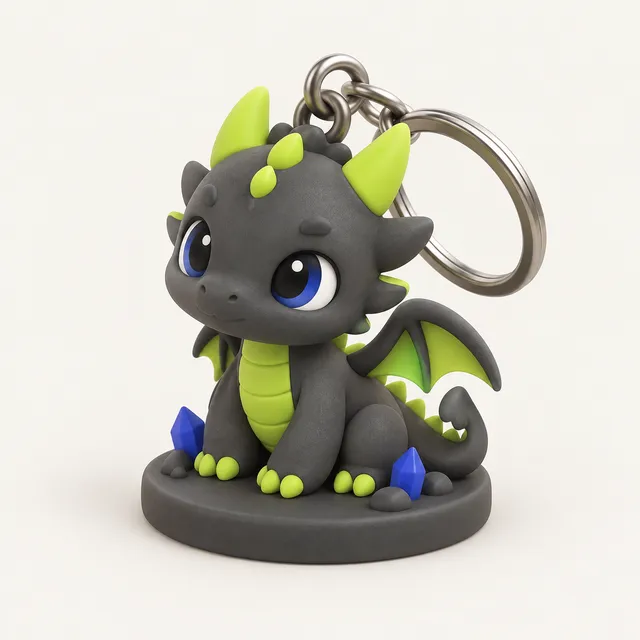
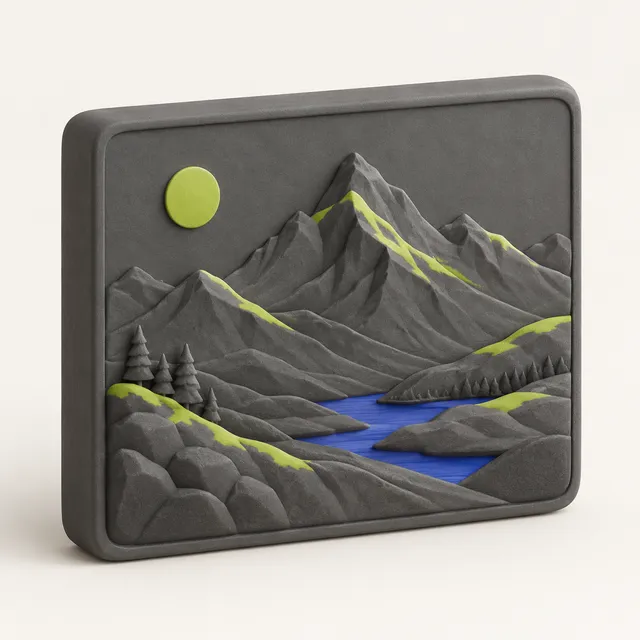
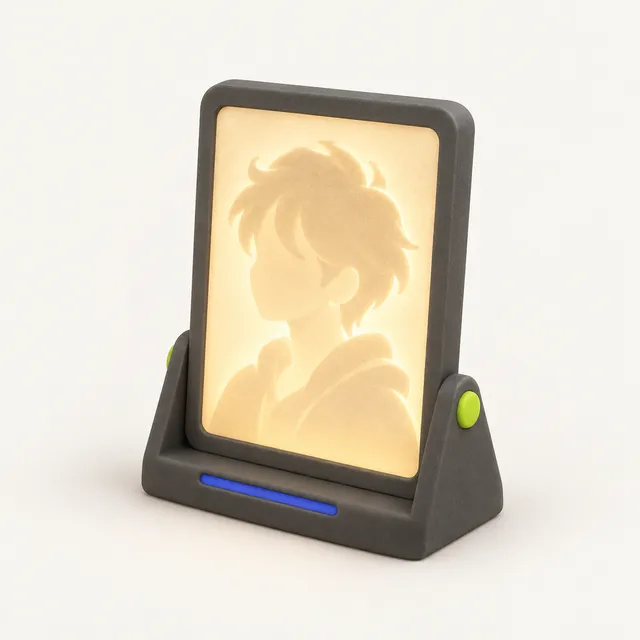
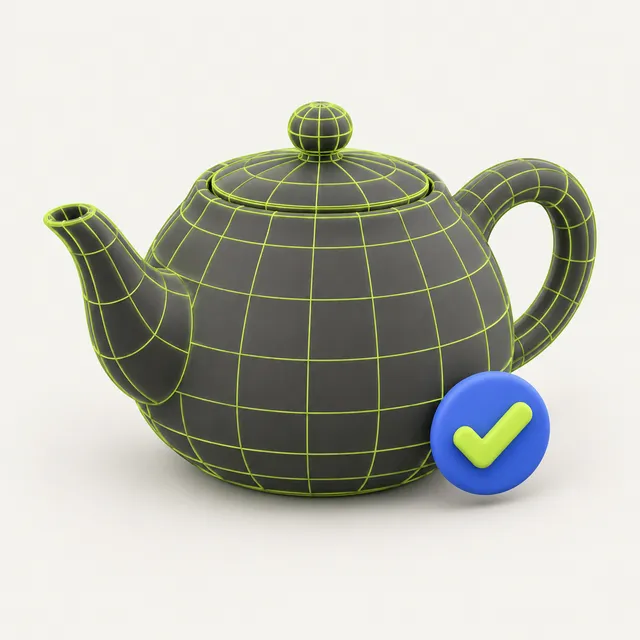
Popular conversions
142 format pairs, all converted locally. See every format →
How MeshShift compares
| Ad-supported upload converters | AI 3D platforms (subscription) | MeshShift | |
|---|---|---|---|
| Where your file goes | Uploaded to a server, kept for hours | Uploaded (account required) | Stays in your browser (free tools) |
| Ads around the tool | Many, incl. fake download buttons | None | None |
| Real size before download | No dimensions shown | Volume / scale tools after sign-in | Dimension lines in mm or inch, measuring |
| Units & up-axis fixes | No | Partly | GLB m→mm and Y-up→Z-up automatic |
| Watertight check & repair | No | Yes, costs credits | Free, one click, for any file |
| Base + exact height for figurines & busts | — | Not offered as a template | Figurine, bust, keychain templates |
| Filament weight, cost, time | No | No | On every model |
| Pricing | Free with ads | ~$20/month subscriptions | Free tools · AI from $0.83/model, no subscription |
How to convert a 3D file in three steps
- Drop one or more files onto the page. Each file is read locally with JavaScript and WebAssembly; STEP and IGES use the OpenCascade kernel, loaded as a separate WebAssembly file the first time you need it.
- Check the preview. The viewer shows the bounding box with labelled dimension lines, triangle count, volume and whether the mesh is watertight. If the size looks wrong (a 0.05 mm figurine, or a 50 m one), switch the unit setting before you export.
- Choose the output format and download. With several files you get a single ZIP. For STEP and IGES input you can choose draft, normal or fine tessellation; fine gives smoother curves but larger files.
Which output format should you pick for printing?
- 3MF if you print on Bambu Lab, Prusa or Orca-based slicers. It keeps multiple parts as separate objects and keeps colours as base materials, and it stores units, so there is no mm-vs-inch guessing.
- Binary STL if the file goes to an older slicer, a print service or a resin slicer such as Chitubox or Lychee. It is the most widely accepted format, but it has no units and no colour.
- OBJ or GLB if the model is going back into Blender, a game engine or a web viewer.
- USDZ if you want to place the model in a room with AR Quick Look on an iPhone.
- STEP if a CAD program only accepts STEP. Expect a solid made of flat faces that you can measure and add features to, but not a history tree with editable fillets.
Units and orientation: the two things that usually go wrong
Most failed conversions are not broken files; they are files at the wrong scale or lying on their side. STL has no unit field, so slicers assume millimetres. A GLB exported from a game tool is in metres, which is why it arrives 1000 times too small. MeshShift scales GLB and glTF ×1000 to mm automatically when you export STL or 3MF, and you can turn that off.
Blender, glTF and many FBX files use Y as the up axis, while slicers use Z. Without a fix the model lies face-down on the build plate. The Up-axis option rotates it so it stands the way it was designed. Check the dimension lines in the preview after any change: they are the fastest way to catch a scale mistake before you waste filament.
Why local conversion matters for your files
Many converter sites upload your model to their server, convert it there and give you a download link. That is fine for a free STL from a model library, but not for a client part, an unreleased product or a scan of a person. MeshShift reads and writes the file in your browser tab. You can check this yourself: open your browser's network panel during a conversion and you will see no file upload.
Because there is no server step, there is also no queue and no daily file limit. Large meshes are limited only by the memory your device has; a modern laptop handles a few hundred megabytes without trouble.
Free tools beyond conversion
Every result opens in the same viewer, with click-to-measure, a section slider for checking wall thickness, an overhang highlight that colours surfaces needing support in red, and a PLA/PETG/resin material preview. Each result also shows an estimated filament weight, cost and print time.
If the stats say the mesh is not watertight, the free print check finds holes, non-manifold edges, flipped normals and loose parts, and one click rebuilds a closed solid at the same size. Separate free tools turn images into reliefs, stamps and lithophanes. The only paid part of MeshShift is AI generation, sold as one-time credit packs from $4.99 with no subscription.
Frequently asked questions
Is this 3D file converter really free?
Yes. Conversion, the viewer, print check and repair, image to STL and the lithophane maker are free with no sign-up and no watermark. They run in your browser, so they cost us nothing per file. Only AI photo or text to 3D generation uses paid credits.
Can I convert STL to STEP for Fusion 360 or SolidWorks?
You can export STEP, and CAD programs will open it as a solid. It is a faceted solid built from the triangles of the mesh, so curved surfaces are made of many flat faces. You can measure it, cut it and add new features, but you cannot edit the original fillets or sketches because a mesh never contained them.
Why is my converted model tiny in the slicer?
The source file was probably in metres (GLB, glTF) or centimetres (FBX) and the slicer read it as millimetres. MeshShift shows real dimensions before export and scales GLB and glTF to millimetres by default. If a model still looks wrong, check the unit setting and the dimension lines in the preview, then export again.
Does 3MF keep colours and multiple parts?
Yes. When you export 3MF, separate parts stay separate objects and colours are stored as base materials, so slicers that support multi-colour printing can assign filaments per part. STL cannot store colour, so converting a coloured model to STL keeps only the shape.
Is there a file size limit?
There is no fixed cap. Files are processed in your browser, so the practical limit is your device's memory. A 114 MB STL opened in under a second in our tests. Very large scans may take a little longer to load, and closing other heavy tabs helps on machines with 8 GB of RAM or less.