AI STL Generator for 3D Printing
Describe what you want or upload a picture. You get a closed, sized STL with a base, ready for Bambu Studio, PrusaSlicer, Cura or your resin slicer.
Sign in with Google → first model free. Failed runs refund automatically.
Your print-ready model appears here
Closed, manifold, flat-bottomed, on a base, and exactly the height you set.
Text to STL or photo to STL: which to use
Use text when you have an idea but no reference: a character, an animal in a pose, a themed ornament. Short, concrete prompts work better than long ones. Name the subject, the pose and the style, for example "sitting fox, chunky low-poly style" or "owl wearing a wizard hat, cartoon".
Use a photo when you want a specific thing: your dog, a toy, a sculpture you saw. A photo pins down proportions and colours far better than words. A clear, evenly lit front view on a plain background gives the AI the most to work with, and extra angles help when the engine accepts them.
Templates decide how the STL prints
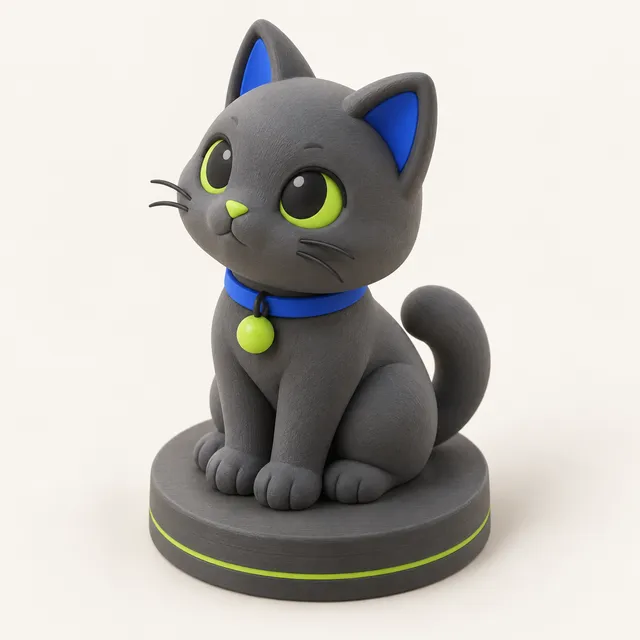
- Figurine: the full model stands on a round, oval or square base, so thin ankles are not the only contact with the bed.
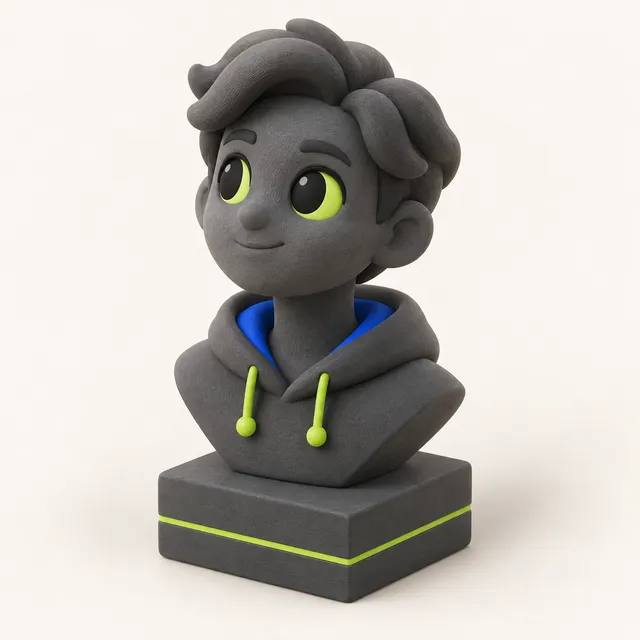
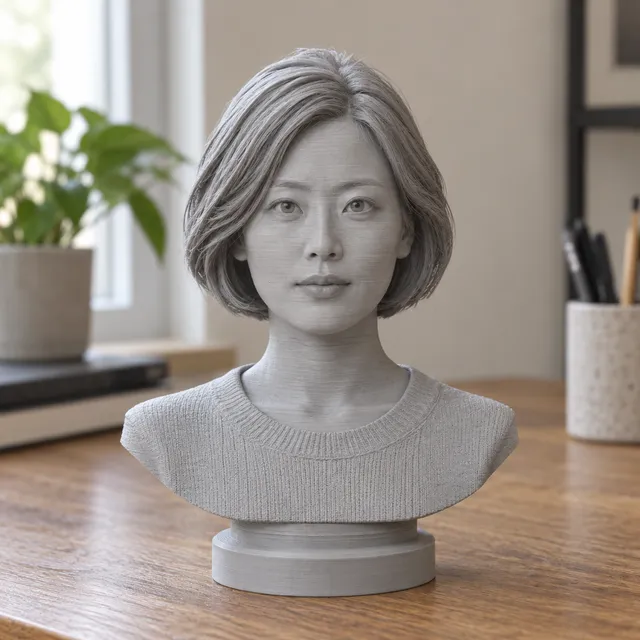
- Bust: head and shoulders are cut flat and placed on a plinth. Good for portraits and character heads.
- Keychain: a flat-back charm with a keyring loop, designed to print without supports.
- Plain: just the model with a flattened bottom, for when you want to add your own base in CAD.
You can switch templates, change height, base and hollowing on a finished model without spending more credits, so it costs nothing to try a keychain and a figurine version of the same design.
Why AI output usually needs fixing, and what is done automatically
Most AI 3D tools are built for games and design. Their meshes often have holes, separate overlapping shells, no base and an arbitrary size, which slicers handle badly or not at all. Fixing that by hand means Blender, a remesh, a boolean union and manual scaling; some platforms sell a repair step for extra credits.
MeshShift does those steps automatically after generation: the mesh is rebuilt as one closed, manifold solid; small loose crumbs are removed; the bottom is flattened and a base added; the height is set to the number you typed with less than 1 % error. For resin you can hollow the model and add a drain hole. The viewer then shows watertight status, volume, an overhang highlight and an estimated filament weight and cost.
Slicer tips for AI-generated STL files
AI meshes have many small curved surfaces, so supports matter more than infill. In Bambu Studio and OrcaSlicer, tree supports (auto) with a 35 degree threshold work well; enable "support on build plate only" for figurines on a base. PrusaSlicer's organic supports and Cura's tree supports are equivalents.
Keep layer height at 0.12 to 0.16 mm for pieces under 100 mm; at 0.2 mm, faces and fur detail flatten out. Keychains print flat on their back at 0.2 mm in about half an hour with no supports. For resin, hollow with a wall of at least 2 mm and tilt the model before supporting it.
Credits and pricing
One generated model costs 10 credits. Packs are one-time payments, never a subscription: $4.99 buys 40 credits (4 models), $9.99 buys 100 credits (10 models), and $24.99 buys 300 credits (30 models). Signing in with Google gives 10 free credits, which is one free model.
Failed generations refund their credits automatically. If you buy a pack and do not spend any of it, you can get a refund within 14 days. Adjusting template, height, base or hollowing afterwards is free. Generated models are kept in My models for 30 days.
Frequently asked questions
Can I generate an STL from text only?
Yes. Type a description such as "a dragon keychain" or "a frog knight figurine", choose a template and height, and the AI creates the model. Short, specific prompts that name the subject, pose and style give the most predictable results.
Are AI STL files watertight?
Raw AI meshes often are not, which is why every MeshShift model is rebuilt as a single closed, manifold solid before you download it. The viewer shows a watertight yes/no indicator so you can confirm it before slicing.
Can I sell prints of AI-generated models?
For your own original prompts and photos you have the rights to, we place no restriction on what you print. Licensed characters are allowed for personal use only, so do not sell prints of characters you do not own. Check the laws where you live, as rules on AI-generated work differ by country.
Can AI make functional parts like brackets or gears?
Not reliably. AI generation produces organic shapes without exact dimensions between features, so holes and mating surfaces will not be precise. Use it for figurines, ornaments, charms and decor. For functional parts, a CAD program gives you the tolerances you need.