SVG to DXF Converter
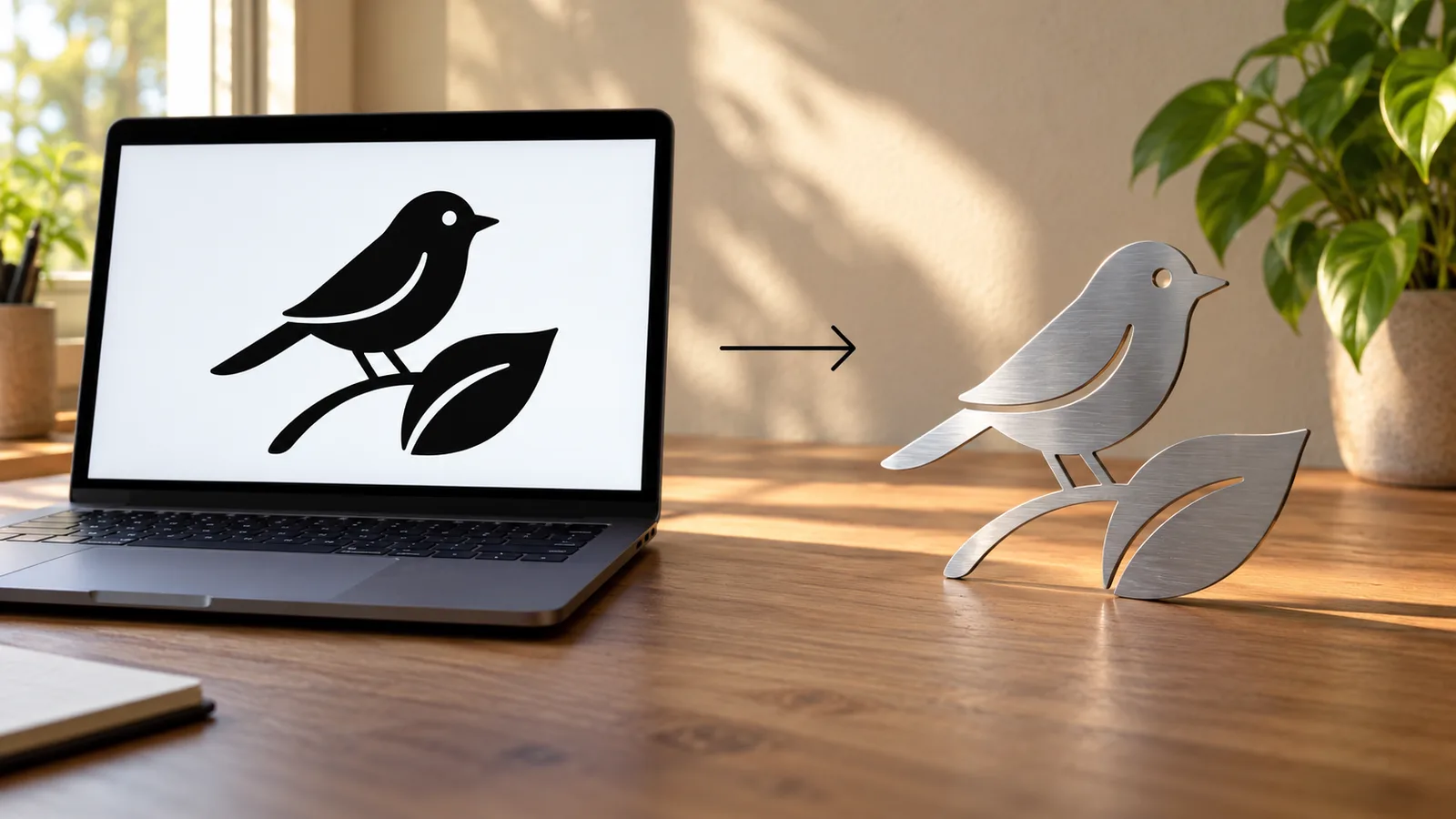
Convert SVG logos, icons and cut files to DXF with closed polylines at an exact width in millimetres or inches. Filled paths are converted directly, without tracing.
In short: To convert an SVG to DXF, drop the SVG into MeshShift. When the drawing is made of filled shapes, it reads the SVG paths directly and writes each outline, curves included, as a closed polyline in an AutoCAD R12 DXF, so nothing is lost to tracing.
Holes stay as separate loops and transforms in the SVG are applied. When the SVG uses strokes or white knock-out shapes, it renders the drawing and traces it instead, with threshold, smoothing and speck controls. Either way you set the final width in mm or inches and the drawing is scaled exactly, starting at 0,0. The DXF opens in LightBurn, LaserGRBL, Inkscape, Fusion 360, AutoCAD, LibreCAD and CAM programs. Everything happens in your browser: no upload, watermark, sign-up or queue. Curves are written as short straight segments, which is how R12 polylines store them; laser and CNC software cut them smoothly.
Exact paths or traced outlines
Filled SVG shapes (logos exported from Illustrator, Figma, Inkscape or Canva with fills) are converted path by path. Bézier curves are sampled into fine segments, and the shape keeps its exact proportions.
Strokes are different: an SVG line with a stroke width has no outline in the file, only a centre line and a thickness. To give you closed shapes for those, MeshShift renders the SVG and traces the result. The checkbox "Use the exact SVG paths" shows which mode you are in. In Inkscape, Path → Stroke to Path converts strokes to fills if you want exact mode.
How to convert SVG to DXF
- Drop the SVG. If it has filled shapes only, exact mode turns on automatically.
- Check the preview: path count, node count and real size are shown under the drawing.
- Type the width you want in mm or inches.
- Download the DXF. Keep the SVG as your editable original.
Why the DXF size is exact
SVG files describe size in pixels, points or a viewBox, and programs disagree on how many pixels make an inch (72, 90 or 96). That is the most common reason an imported DXF is the wrong size. Here you type the final width and the outline is scaled to it, so the DXF is right regardless of how the SVG was saved.
Preparing an SVG for cutting
Most problems with SVG cut files come from how the artwork was built, not from the conversion:
- Text: convert text to paths (Object to Path in Inkscape, Create Outlines in Illustrator) or the font may be replaced.
- Strokes: an outlined icon drawn with strokes has no closed area. Use Stroke to Path, or let MeshShift trace it.
- Overlapping shapes: two filled shapes on top of each other become two overlapping loops in exact mode. Union them in your design program if the machine should cut one outline.
- Tiny details: features smaller than your laser kerf or router bit disappear in the real part, whatever the file says.
The preview shows every loop that will be written, so check it before you download.
Where the DXF goes next
LightBurn, LaserGRBL and RDWorks import the DXF for laser cutting and engraving. Fusion 360, Onshape, SolidWorks and FreeCAD import it as a sketch you can extrude into a part. CAM programs such as Carbide Create, Easel and VCarve use the closed loops for profiles and pockets. If you want a 3D print of the same artwork, the SVG to STL page turns it into a raised logo or stamp instead.
Frequently asked questions
Is the SVG to DXF converter free?
Yes. There is no sign-up, watermark or file limit, and the SVG is converted in your browser without being uploaded.
Are curves preserved?
Curves are kept smooth by sampling them into many short segments, which is how R12 DXF polylines store curves and what laser and CNC software expects. The shape and proportions match the SVG.
Why did my SVG get traced instead of converted exactly?
The SVG uses strokes or white shapes laid over black ones. Those have no closed outline in the file, so the tool renders and traces them. Convert strokes to paths in your design program to get exact mode.
Will the DXF be the right size?
Yes. Type the final width in millimetres or inches and the outline is scaled to exactly that width, so differences in SVG pixel sizes between programs do not matter.
Can I convert text in an SVG?
Only text that has been converted to paths. Live SVG text depends on fonts that may not be installed, so convert it to outlines in your design program first, or let the tool trace the rendered drawing.



