STP Viewer Online
Open .stp CAD files in your browser without installing anything. See the real size in mm, measure between points, cut a section and check parts — the file never leaves your device.
In short: To view an STP file online, drop the .stp file on this page. An .stp file is a STEP file (ISO 10303) under its short extension, so the viewer opens it with the OpenCascade CAD kernel compiled to WebAssembly, right in your browser.
You see the model with its part colours, the bounding box in millimetres (or inches), the number of parts and triangles, and you can measure between two points, cut through the model with the section slider and highlight overhangs. Tessellation quality (draft, normal, fine) controls how smooth curved surfaces look. Nothing is uploaded, there is no account and no install, which suits client parts and drawings under NDA. From the same page you can save the STP as STL, 3MF, OBJ or GLB for printing or rendering. It is a viewer, not a CAD editor: you cannot change features or dimensions of the model.
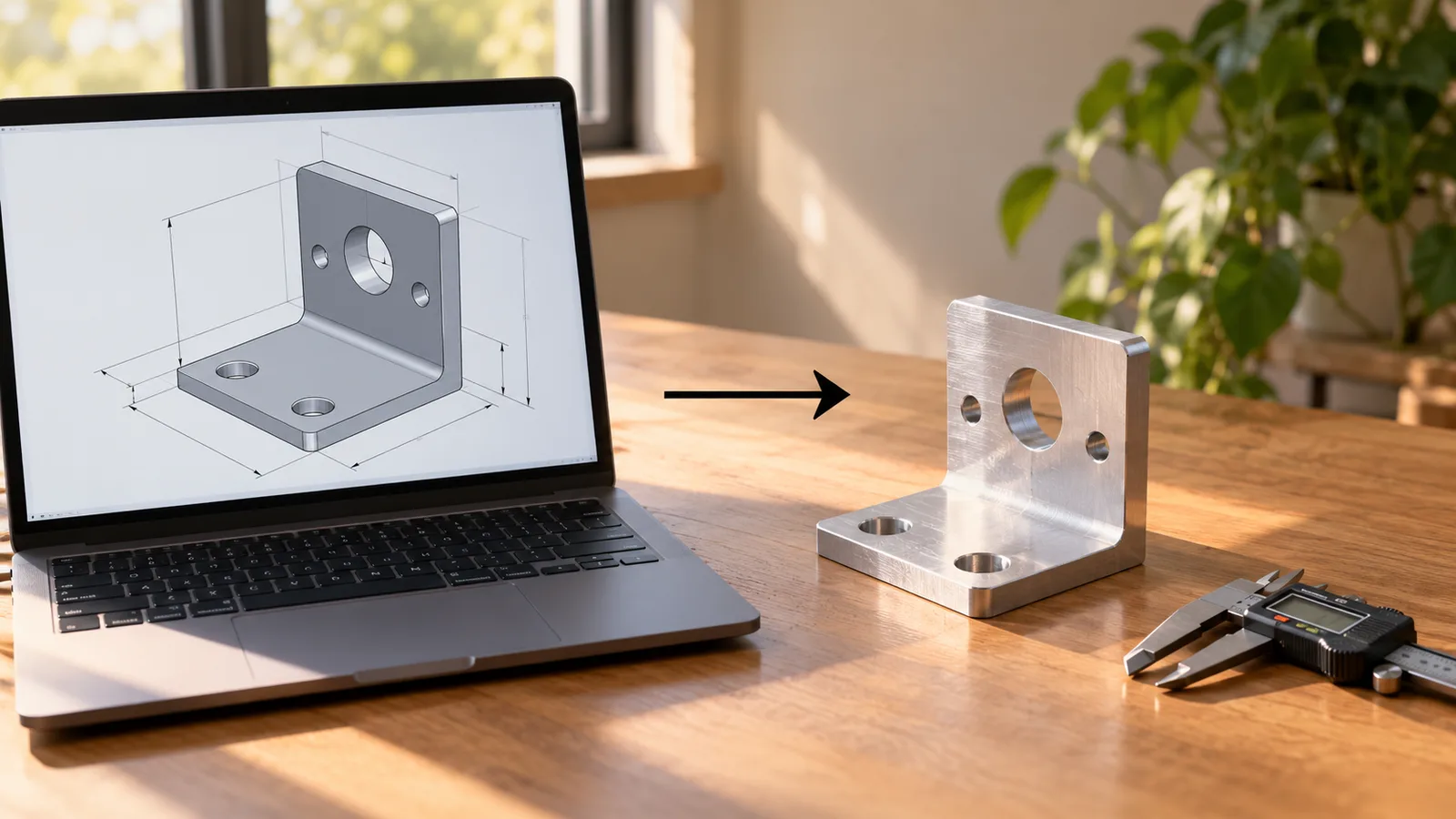
How to use the STP Viewer Online
- Drop the .stp file on the page.
- Pick the tessellation quality: draft, normal or fine.
- Rotate the model and read the bounding box in millimetres or inches.
- Measure between two points, cut a section and check parts.
- Save it as STL, 3MF, OBJ or GLB if you need a mesh.
STP and STEP are the same format
STEP files are saved as .step or .stp. The content is identical; the three-letter extension is a holdover from older systems and is what SolidWorks, Creo, CATIA and many suppliers use by default. Anything that opens STEP opens STP, and this viewer accepts both, as well as IGES (.igs).
STEP describes exact surfaces (B-rep), not triangles. To display it, the viewer converts the surfaces to a mesh; the fine setting uses more triangles for smoother curves.
What you can check in an STP file
- Overall size in mm or inches, from the labelled dimension lines.
- Distances between any two points with the measure tool.
- Wall thickness and inner details with the section slider.
- Parts of an assembly with their colours, and the total part and triangle count.
- Whether the part has steep overhangs if you plan to 3D print it.
The PNG screenshot button saves a picture for an email or a quote.
Converting STP for 3D printing
Slicers do not read STEP. Choose STL or 3MF in the converter panel and download: the surfaces are tessellated at the quality you picked, sizes stay in millimetres, and 3MF keeps assembly parts as separate objects. If a part arrives with gaps, the free print check closes them.
Large and confidential STP files
STP files from suppliers are often assemblies of dozens of parts and tens of megabytes. Because the file is opened on your own device, size is limited by memory rather than an upload cap, and Draft tessellation loads large assemblies faster when you only need to look and measure. The CAD kernel is downloaded once the first time you open a STEP or STP file and is cached by the browser after that.
Nothing is uploaded, so the viewer suits drawings under NDA, quotes for machined parts and client models. You can check this in your browser's network panel: the kernel is downloaded, but your file is never sent.
When you need more than a viewer
To change dimensions or features you need the CAD program the part was made in, or one that imports STEP, such as Fusion 360, FreeCAD, Onshape or SolidWorks. To prepare the part for 3D printing, convert it to STL or 3MF here, then use the free STL editor to cut it, rotate it flat or scale it. For a quick shared view, the screenshot button saves a PNG with the dimension lines shown.
Frequently asked questions
How do I open an STP file without CAD software?
Drop it on this page. The STP opens in your browser with real dimensions, measuring and a section view, using a CAD kernel that runs locally. No install or account is needed.
Is my STP file uploaded?
No. The file is read and tessellated inside your browser tab with WebAssembly. It never reaches a server, which is why the viewer is safe for confidential parts.
Is an STP file the same as a STEP file?
Yes. .stp and .step are two extensions for the same ISO 10303 STEP format. This viewer opens both, and any program that reads STEP reads STP.
Why does a curved surface look faceted?
The viewer turns exact CAD surfaces into triangles for display. Choose "Fine" tessellation in the options to use more triangles and get smoother curves; the original STP is not changed.
Can I convert STP to STL here?
Yes. After the file opens, choose STL or 3MF and download. The conversion uses the same tessellation and keeps sizes in millimetres.
Does the viewer open IGES files too?
Yes. IGES (.igs or .iges) files open with the same CAD kernel, with dimensions, measuring and the section view. IGES often stores surfaces rather than closed solids, so run the print check before converting one for printing.



